Colored digital noise
Visible colored grain gives this profile a rougher texture than GRF S. The grain control lets you pull it back.
CAMERA 03 / VINTAGE / LO-FI / DREAMCORE
Bright skies. Rougher texture. The imperfect digital color of a moment you almost forgot.
Free to try · No signup · Photos stay in your browser
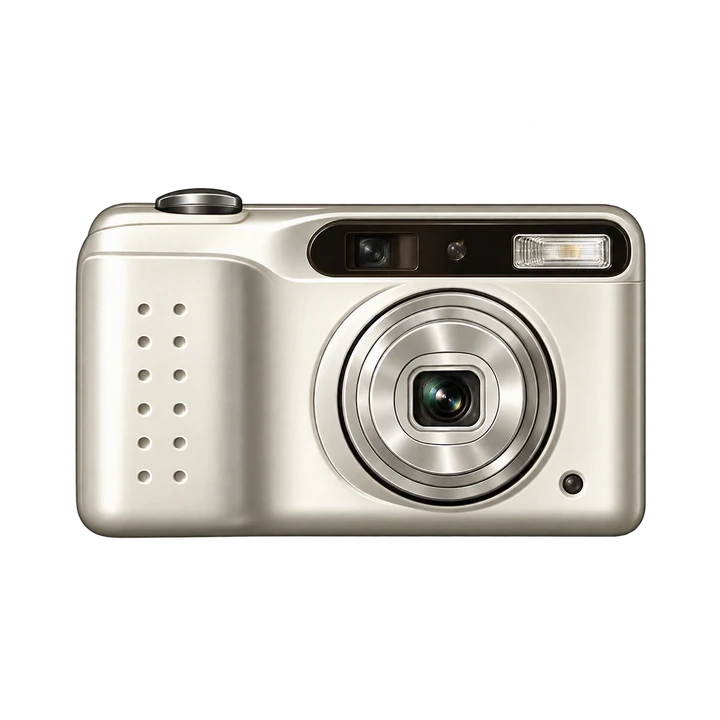
01 / BEFORE & AFTER
The same image, processed with the 2000S web photo renderer. Choose a mode, then move the slider to reveal its effect.

 Lo-Fi PhoneSOURCE
Selected: Lo-Fi Phone
02 / THE CHARACTER
Visible colored grain gives this profile a rougher texture than GRF S. The grain control lets you pull it back.
Lifted tones and brighter highlights echo early-digital snapshots. Dreamcore pushes this behavior further.
A slight color imbalance gives blues and pale tones a nostalgic digital cast without forcing a fixed export size.
03 / FIND YOUR MODE
Each mode has a different color response. Open either one directly, then adjust its intensity in Studio.
Punchier color and coarse, colored grain. An early-digital feel for casual portraits, street scenes and snapshots.
Use Lo-Fi PhoneBrighter midtones, more lifted shadows and a cooler color drift. Try it on daylight scenes when you want a softer, less literal memory.
Use Dreamcore04 / FROM THE WEB CAMERA
One source, two interpretations. These are the actual web-rendered looks on the demonstration image above.


05 / MAKE IT YOURS
Daylight, blue skies, colorful clothing and direct-flash source photos make the digital character easier to see.
Dreamcore brightens the image. Use a lower intensity if important detail disappears from faces or clouds.
Open Date Stamp in Studio, choose the format and position, then save. The date is drawn into the downloaded photo.
06 / GOOD TO KNOW
No. This is a low-fidelity-inspired look, not a fixed 480p export. Output dimensions depend on the source, crop and Studio export limits.
Yes. Lo-Fi Phone uses the established 2000S profile. Dreamcore changes the tonal curve, lifts shadows, adjusts saturation and shifts color toward cooler blue tones.
No. They are independently tuned web profiles. The demonstration uses an AI-generated source and this website’s renderer, so it shows the web effect rather than claiming an app match.
Import a JPG, PNG or WebP in a supported browser. Live camera access needs HTTPS and permission. Importing a photo does not require camera permission.
KEEP EXPLORING