Inspired by the photos we keep
From vivid compact-camera color to muted portraits and rough digital texture, ProCCD gives everyday pictures a nostalgic direction. You choose how subtle or expressive the result becomes.
MEET PROCCD / RETRO PHOTOGRAPHY, IN YOUR BROWSER
Everyday moments.
A different kind of memory.
ProCCD is a browser-based photo studio for turning everyday pictures into personal keepsakes. Discover retro digital-camera moods, explore color and texture, and give your moments a look that feels like you.
01 / THE PROCCD IDEA
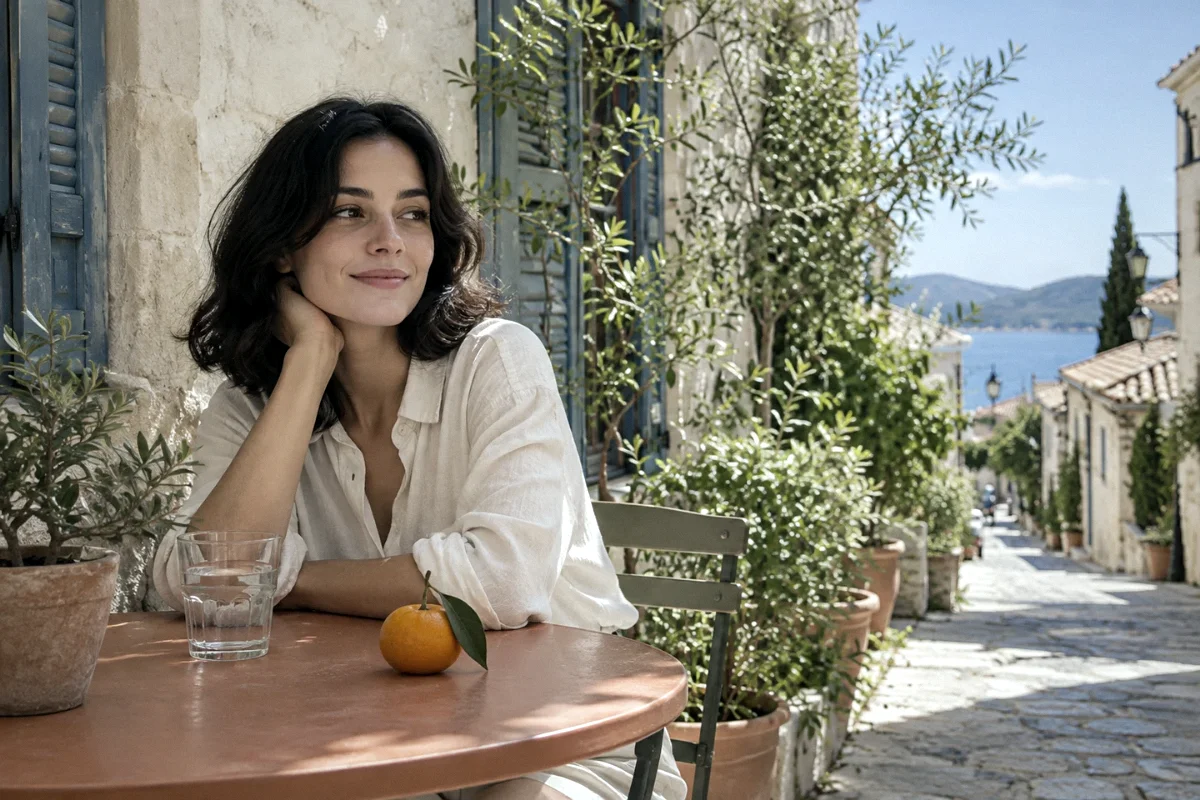
A photo can hold more than a scene. It can hold the atmosphere of a night out, the softness of a quiet afternoon, or the imperfect energy of an old digital snapshot.
ProCCD brings that idea into a creative space you can open in your browser. Its camera-inspired looks let you explore color, grain and contrast without losing sight of the moment you started with.
Get to know ProCCD ↗From vivid compact-camera color to muted portraits and rough digital texture, ProCCD gives everyday pictures a nostalgic direction. You choose how subtle or expressive the result becomes.
For friends saving a shared memory, travelers collecting small discoveries, and anyone exploring a personal visual style. Start with a portrait, a street scene or a picture already in your camera roll.
Preview different moods, compare with your original, and adjust the finish. The Studio brings the experience together; dedicated tool pages explain individual effects and how to use them.
02 / EXPLORE THE PROCCD COLLECTION
Start with the mood you want. Each camera applies its own look; fine-tune the intensity after you choose.
Preview photos use AI-generated sources processed by our web renderer.
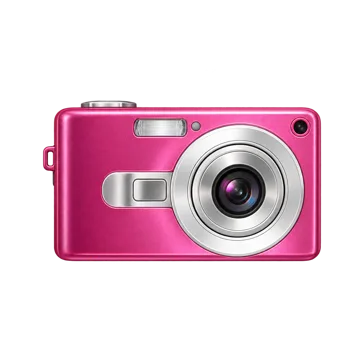
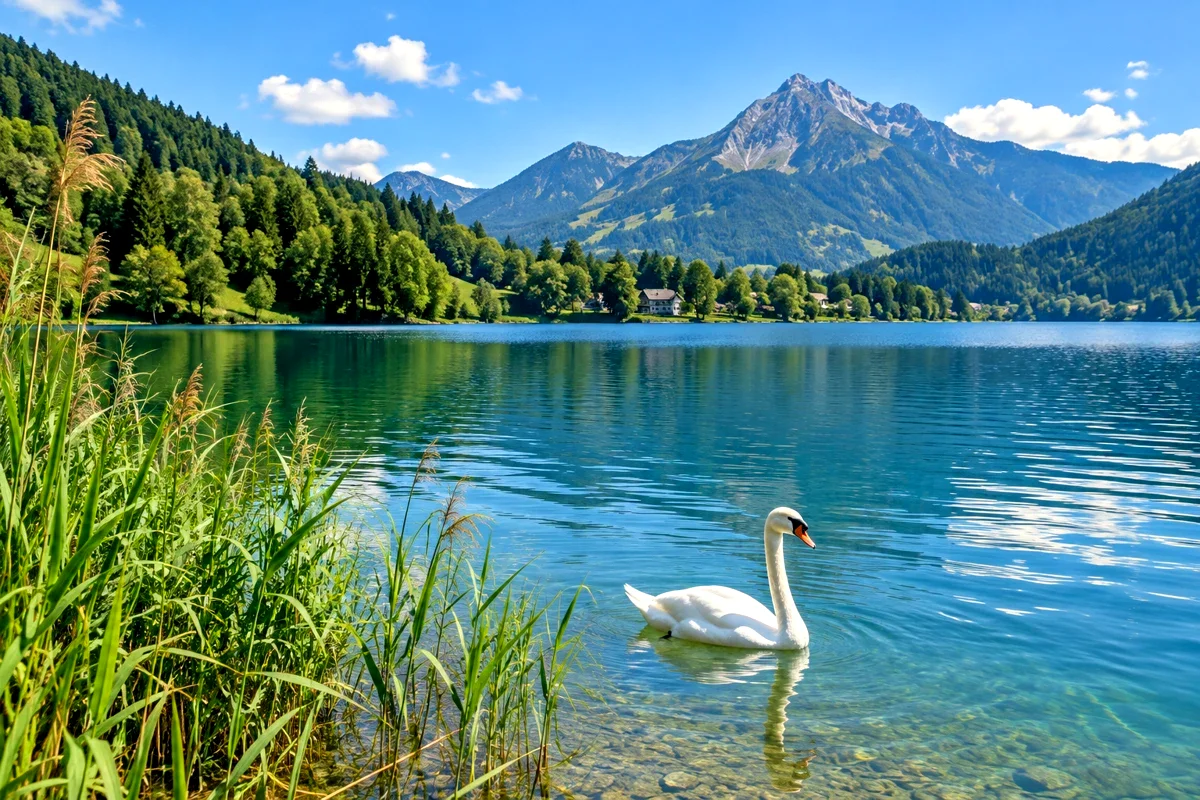
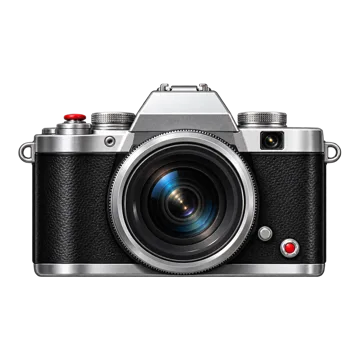
Try Daily / Cool for restrained color, or Warm for a warmer film-inspired portrait.
Explore GRF S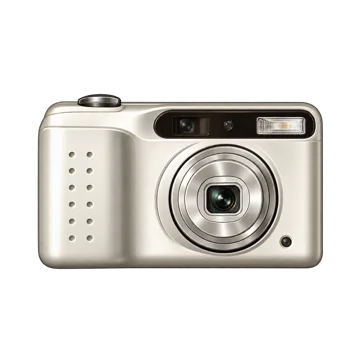

Choose Lo-Fi Phone for colored grain or Dreamcore for brighter, softer tones.
Explore 2000S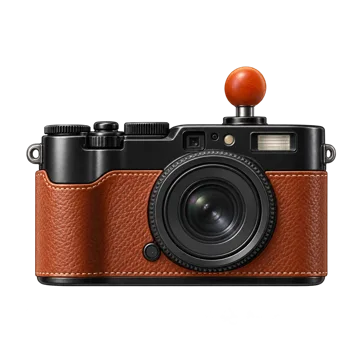

Warm color, softer detail and lifted blacks give daily scenes a faded feeling.
Explore CAROUSEL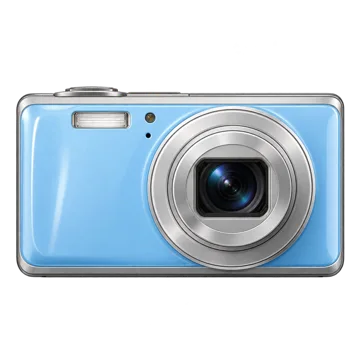

Punchier color and coarse digital texture for a deliberately less polished image.
Explore Y2K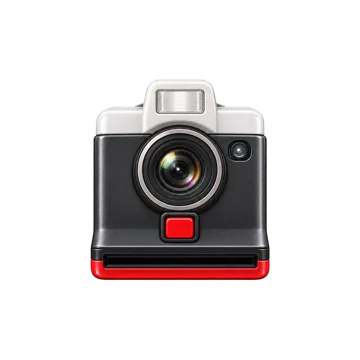
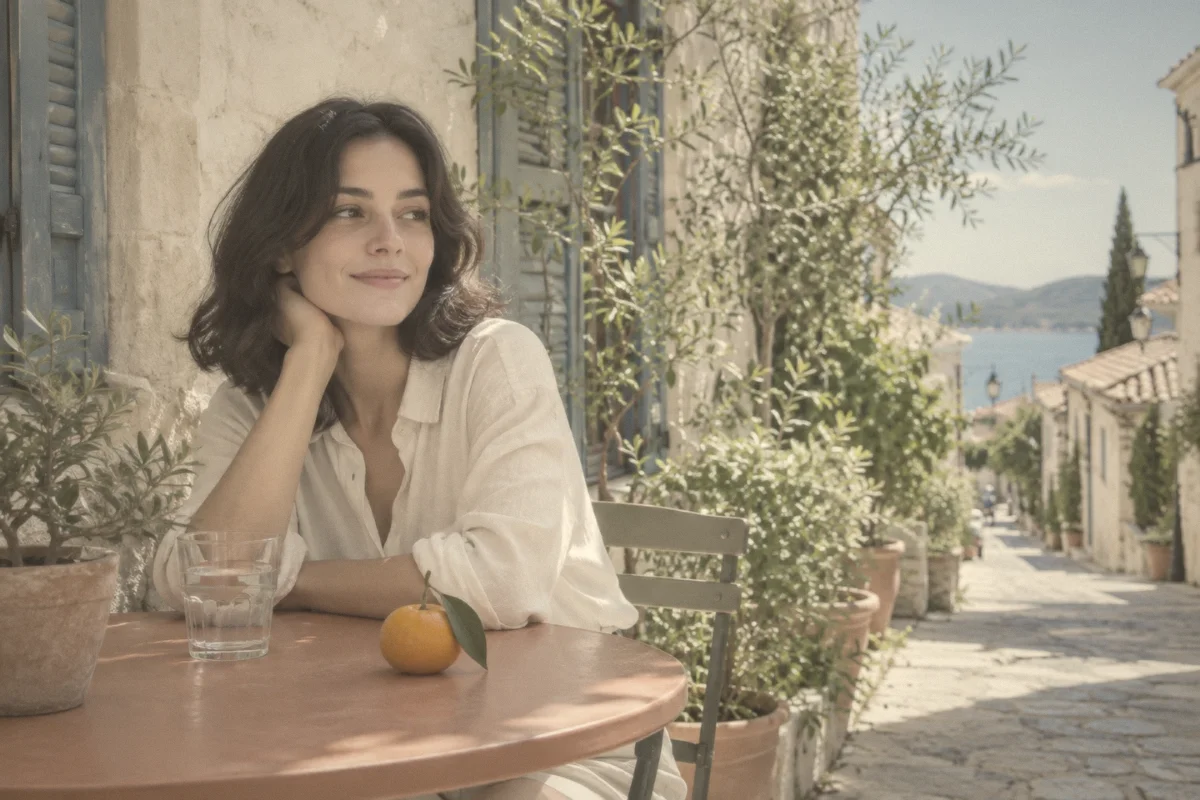
Lifted shadows, gentle detail and pastel color. Explore Sakura, Mint, Blue and Apricot.
Explore BIGSHOT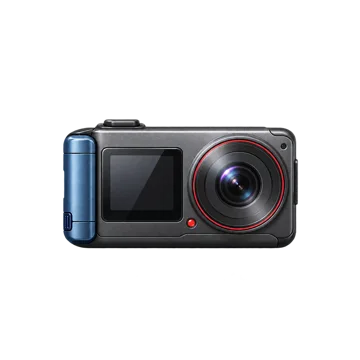
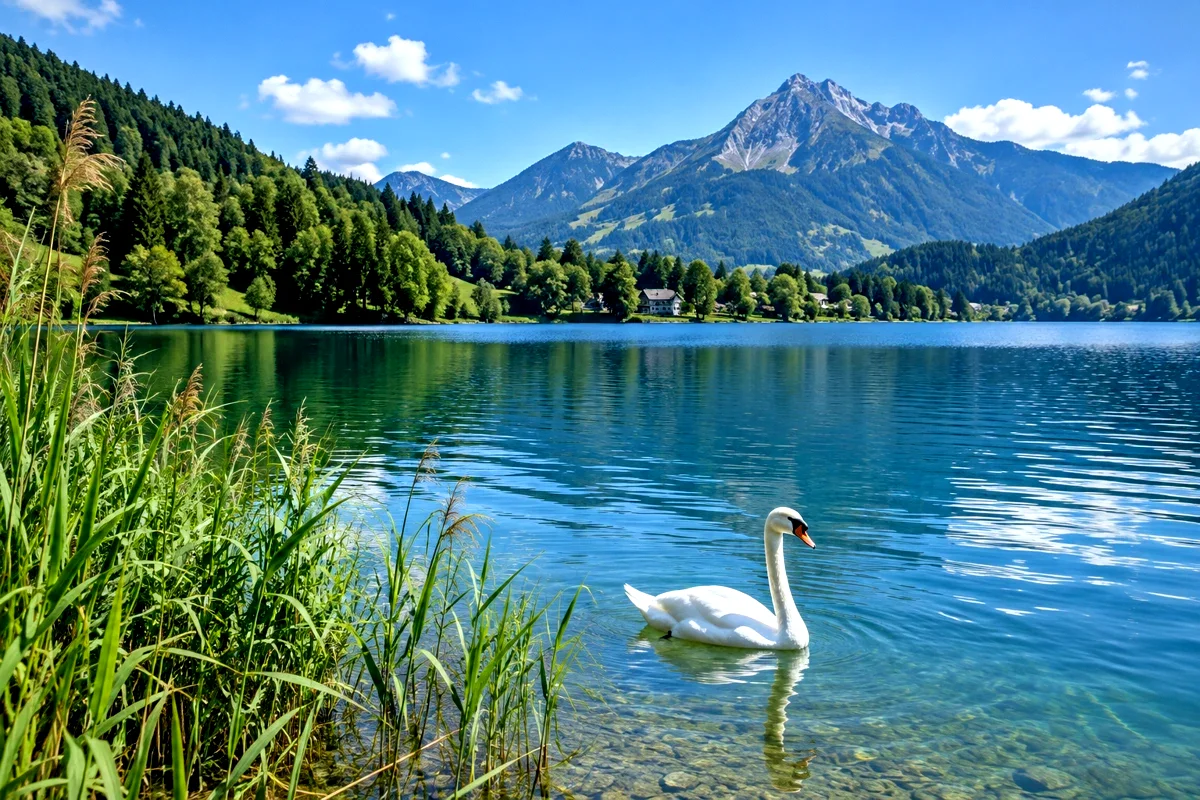
Stronger contrast and a cleaner character for scenes with shape, movement and light.
Explore ACTION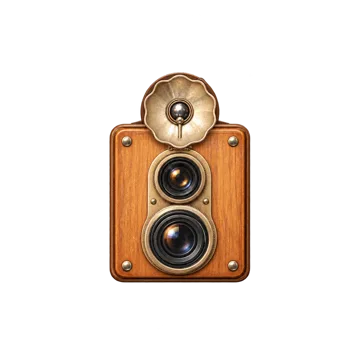
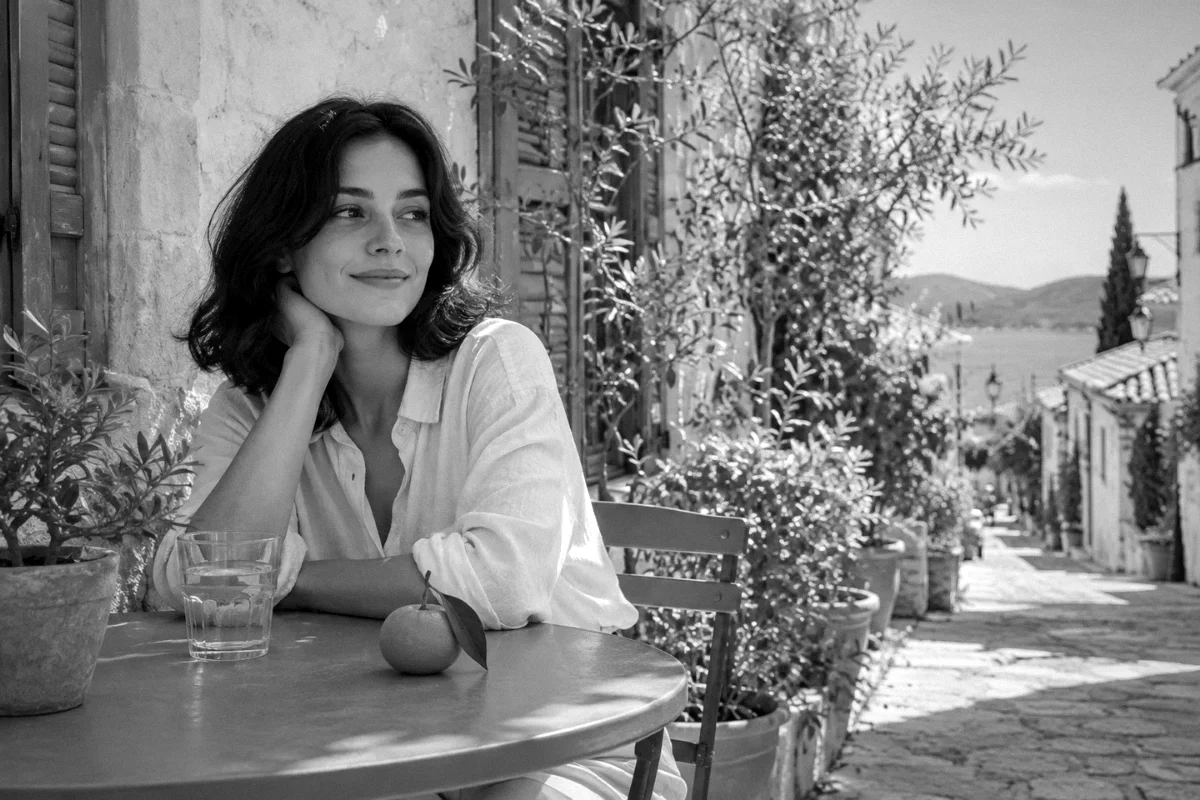
A monochrome look with visible grain and darker corners for expressive portraits.
Explore BOOTH03 / THE PROCCD LOOK, IN PRACTICE
Try portrait, street and landscape scenes. Choose a camera, then reveal the difference on the exact same source image.
 SOURCEGRF S / DAILY · COOL
04 / YOUR FIRST PROCCD MOMENT
Import a JPG, PNG or WebP photo. A clear source gives you more detail to work with.
Pick a camera, explore its available modes and adjust intensity. Watch skin tones and bright areas as you edit.
Add an optional date or frame, then save your photo. Keep your original so you can try another look.
05 / FIND YOUR CREATIVE STARTING POINT
Choose a focused tool when you already have a look in mind. Each page has its own introduction, requirements, step-by-step guide and questions.
06 / A SPACE THAT FITS YOUR EVERYDAY
Open ProCCD on your phone or computer and bring a JPG, PNG or WebP photo. No camera permission is needed to edit an imported image.
Try a look, lower its intensity, and compare the result with your source. Keep the original photo so you can return to it whenever you want.
Visit a tool guide for file limits, controls and export instructions. Read the privacy policy for browser and optional server processing details.
07 / GETTING TO KNOW PROCCD
ProCCD is a creative photo studio that runs in your browser. It brings together retro camera-inspired looks, photo-editing controls and guides to help you turn existing pictures into personal keepsakes.
Open Studio to explore the camera experience, or choose a dedicated photo tool for a particular look. The homepage introduces ProCCD; each tool page explains its own controls, requirements and steps.
Try Z30 for vivid everyday color, GRF S for quieter portraits, 2000S or Y2K for rougher digital texture, and BOOTH for monochrome. The collection above explains each look.
The same profile behaves differently on each source. Light, exposure, skin tones and original colors affect the result. Lower intensity if highlights or skin colors become too strong.
Use a browser that supports the editor’s canvas and file features. Photo import is the simplest starting point. Save and sharing options vary by browser; try the download option if saving to Photos is unavailable.
The current Studio is free to try and does not require an account.
THE NEXT MEMORY IS ALREADY IN YOUR CAMERA ROLL.