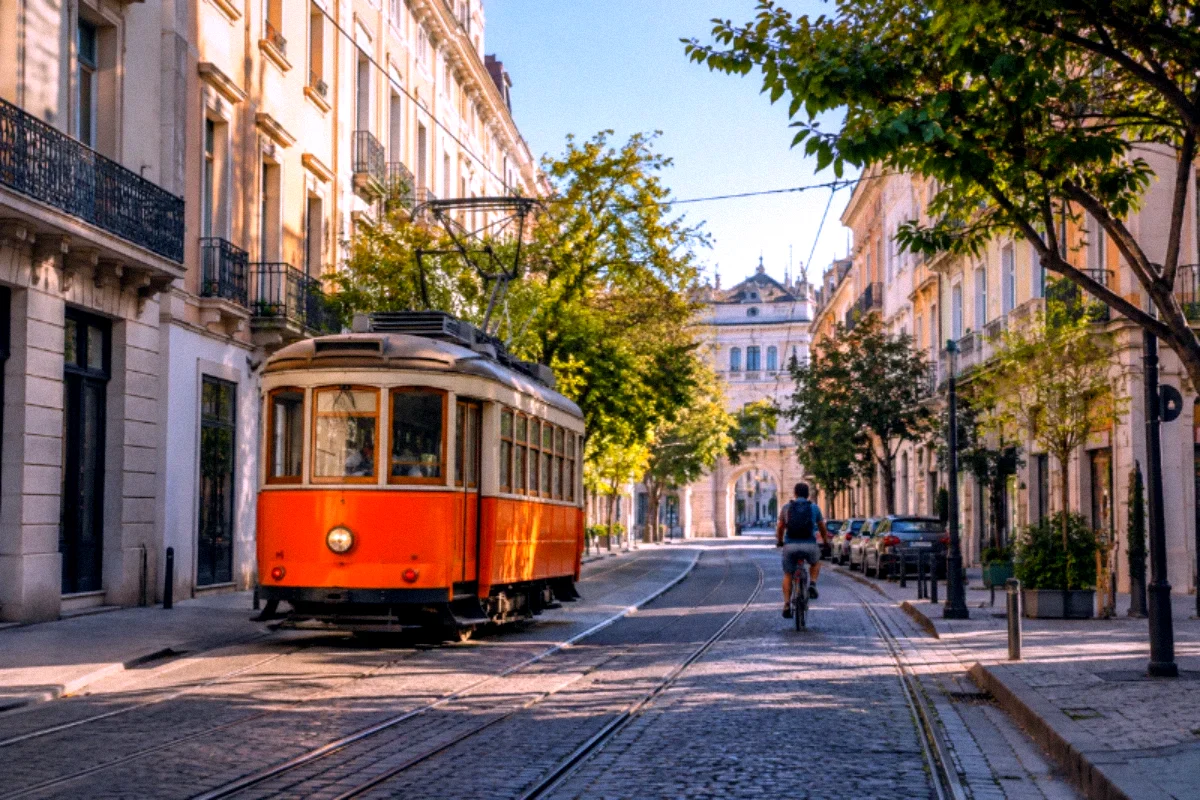
Night streets
Signs, streetlights and storefronts create striking contrasts. Watch for noise in dark corners.
EARLY DIGITAL / Y2K · INDEPENDENT WEB LOOK
Make a memory feel like the early days of digital.
Y2K aims for the slightly imperfect color and texture of early digital pictures rather than a modern, pristine phone photo. Expect more visible texture, stronger color and an intentionally less polished mood.
No account required. Try it with your own JPG, PNG or WebP image.
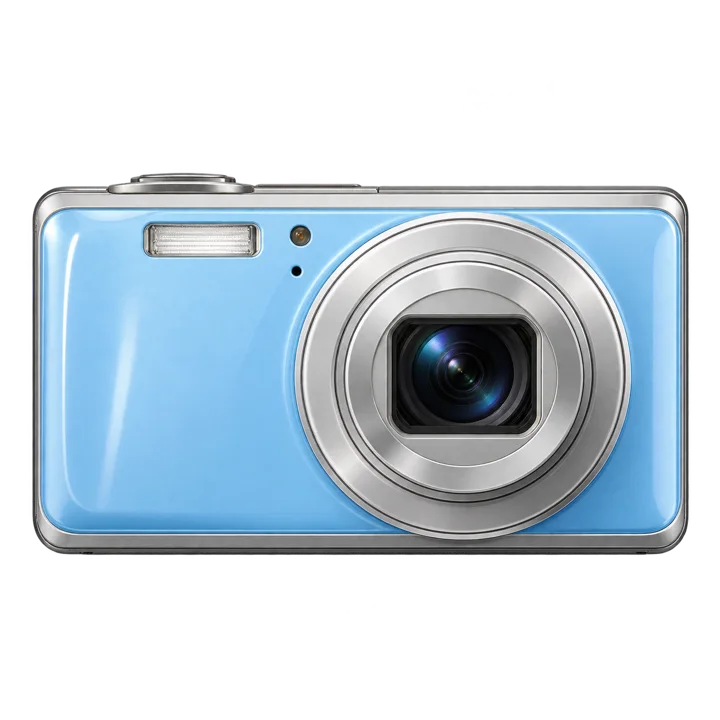
01 / THE LOOK
This profile uses added digital-style grain, a modest color shift and subtle electronic-looking texture. In shadow-heavy photos, texture can become more noticeable; that is part of the aesthetic, but it should not bury important detail. The strength slider is useful for finding a balance between nostalgia and readable photographs.
This web-based filter is an original creative interpretation. It is not a digital copy of a particular physical camera or a result from the ProCCD mobile app. See how it responds to your own source image before choosing your final edit.
02 / PHOTO IDEAS
Every input photo changes how a camera-inspired look feels. These are practical starting points, not fixed rules.
Signs, streetlights and storefronts create striking contrasts. Watch for noise in dark corners.
Try photos with a direct-light feel and check whether faces still retain natural texture.
Casual indoor photos and old-school party compositions can suit a coarser digital finish.
03 / HOW TO USE
04 / TUNING NOTES
Photo editing is processed locally in supported browsers. Camera permission is optional when importing a photo. This independent website is not affiliated with or endorsed by the ProCCD mobile app.
05 / QUESTIONS
Not exactly. This profile leans toward early consumer digital-camera color and noise, rather than analog film grain and development.
The appearance depends on the source image and the strength and grain adjustments you choose.
Yes, on a compatible modern mobile browser. Image imports normally work without camera permission. Download and save behavior differs between mobile browsers.
The current photo editor performs supported photo processing locally in your browser. Ordinary site traffic and hosting logs are separate from editing. Read the privacy policy for details.
06 / RELATED LOOKS
More camera pages: Z30 GRF S 2000S CAROUSEL BIGSHOT ACTION BOOTH