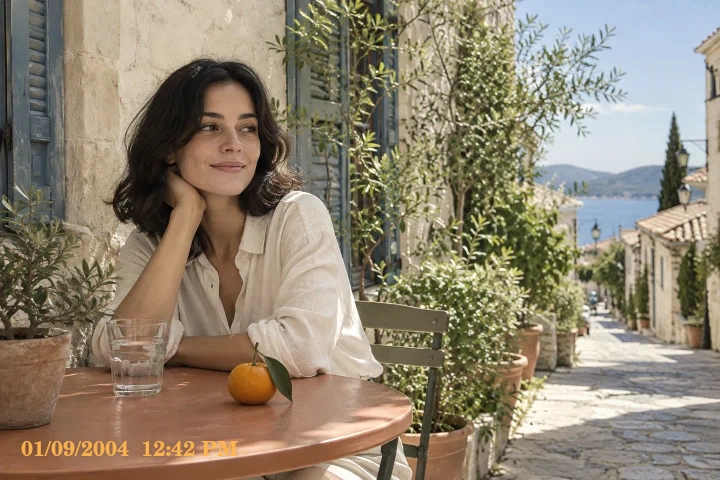
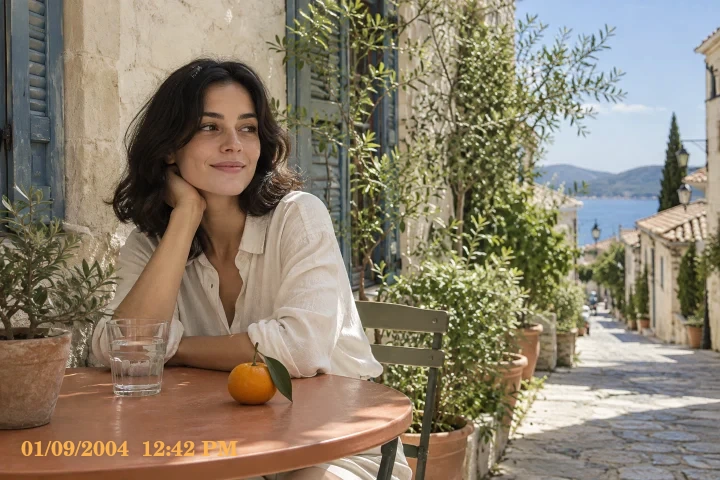
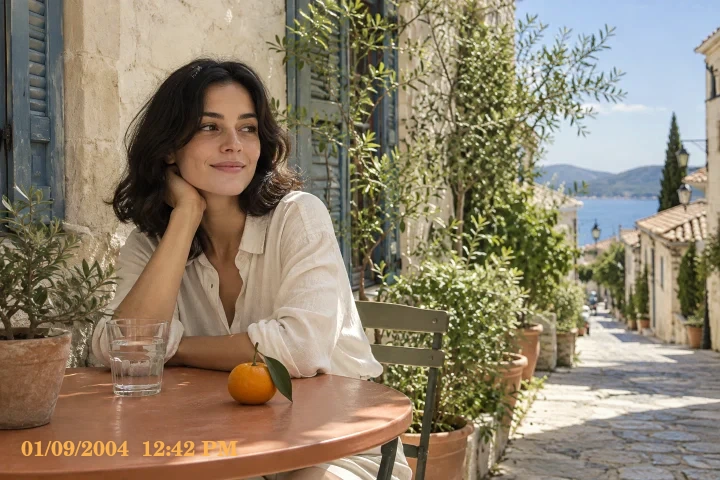
Vintage starting look
Muted color with an older print feel. Quiet portraits and nostalgic travel photos.
Muted color with an older print feel.
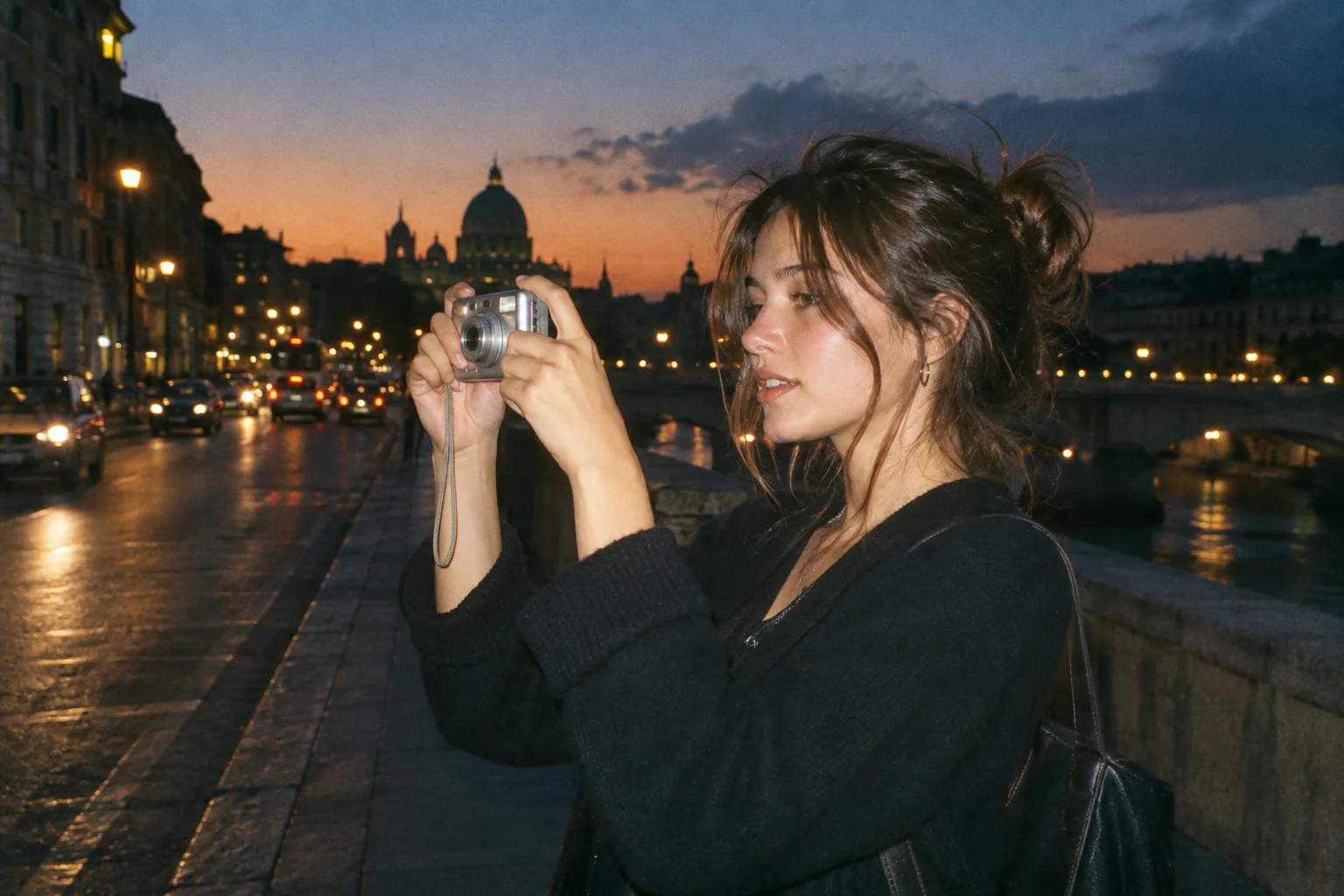
Upload a photo, pick a camera mood and export a new version in your browser.
This export is processed in your browser. No image is sent to the server. The original file is not changed.
Muted color with an older print feel. Quiet portraits and nostalgic travel photos.
Change effect intensity, grain and vignette independently; compare with the original before saving.
Keep Original or choose 1:1, 4:5 or 9:16. Add an LCD or Instant frame when it suits the photo.
Enter your own text and turn the stamp on or off. The stamp is decorative, not evidence of when a photo was taken.
Import a JPG, PNG or WebP, then download a JPG or PNG. Inspect the saved file before sharing.
No registration is required. Optional server export uploads the image and can differ from the browser preview.
Vintage is a warmer, more muted alternative to the brighter digital-camera presets. It can help a quiet portrait or travel photograph feel like an older color print. The treatment is applied to your source photo; it does not date the photograph or verify that it was captured with an old camera.
 Original
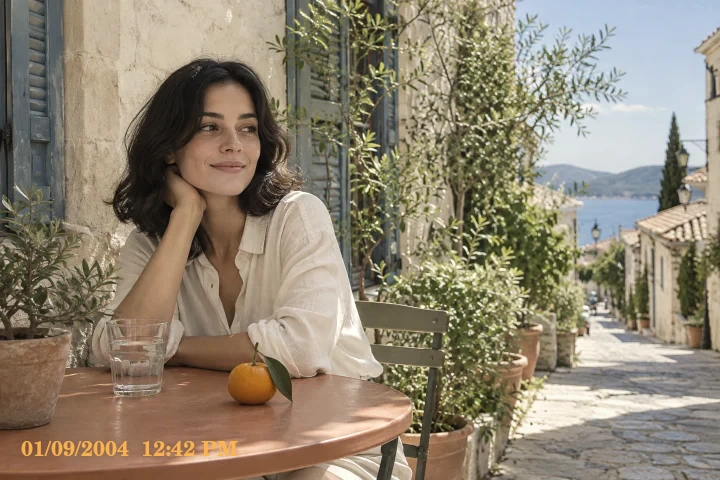 Vintage example
Try a light intensity first, especially when the source is already yellow or under warm indoor lamps. Compare pale walls, clothing and skin before adding edge shading. A simple composition often needs fewer extras: grain, frame and stamp can all remain off or low.
Use a daylight travel portrait in front of a pale building. Start with a light Vintage treatment and keep enough neutral color to separate the face from the wall.
The effect does not restore damaged photographs, remove scratches or accurately reproduce the ageing of a physical print.
Follow these steps with your own photo. The illustrations show the controls schematically; the rendered examples use this tool’s preset.
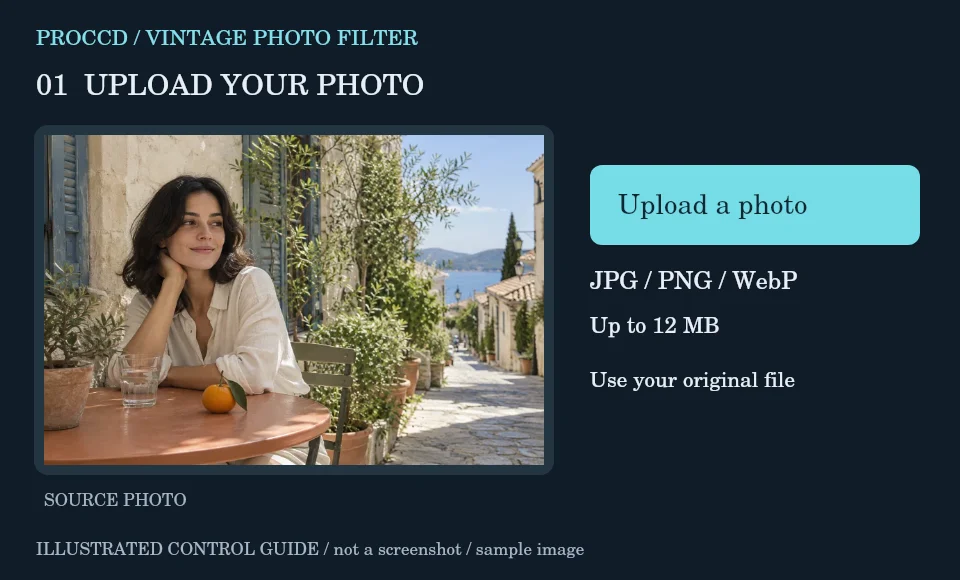
Upload a portrait or travel scene with a clear focal point. Start from the original rather than an already sepia-toned copy.
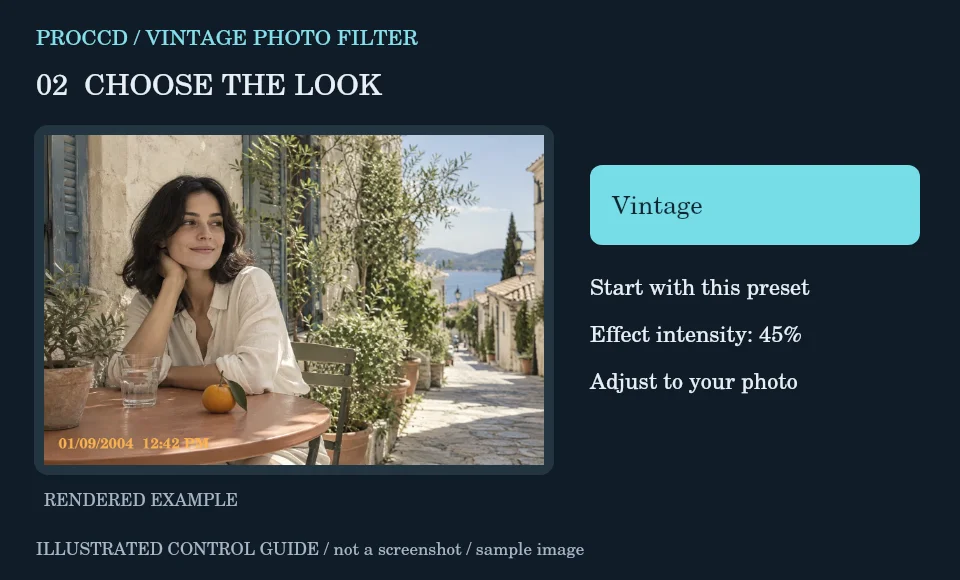
Keep Vintage and raise intensity gradually while checking neutral areas for an excessive yellow cast.
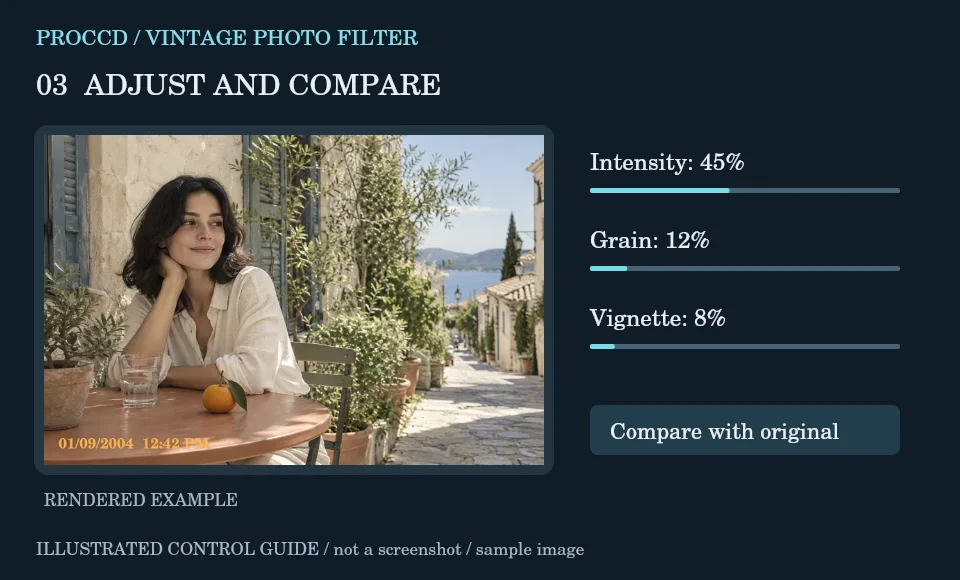
Add a little Grain or Vignette if useful. Leave Frame on None for a simple old-print color treatment.
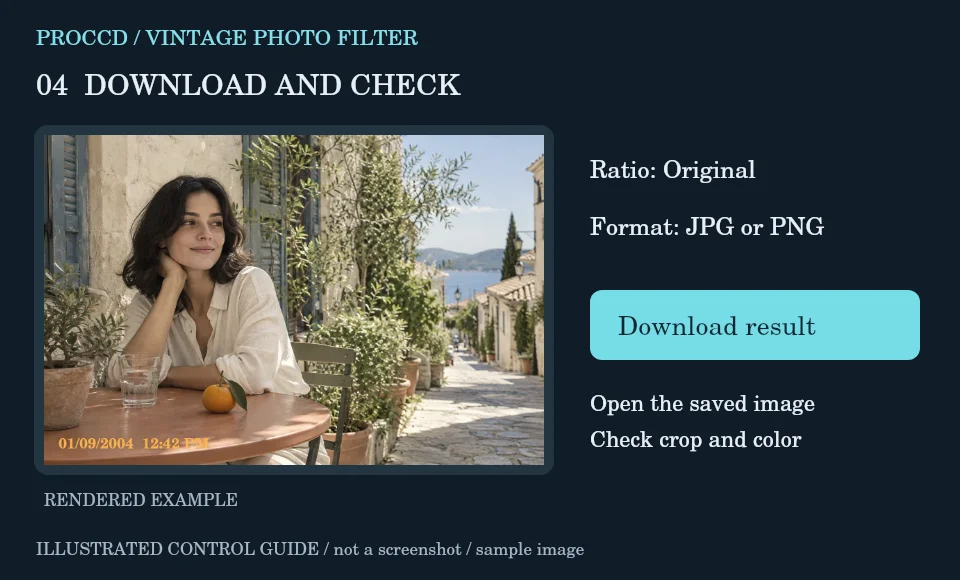
Choose the crop and download JPG or PNG. Compare the saved image with the source to judge whether warmth remains believable.
Explore a related finish, then return to this editor to compare your choice.
The Vintage browser preset is more muted and sepia-biased. Film provides a different, warmer color balance with more retained saturation.
No. This is a styling tool, not a photo-restoration or scratch-removal system.
The tool-page editor accepts JPG, PNG and WebP up to 12 MB, with a maximum side of 8000 pixels and a 25 MP limit. Opt-in server processing has a 12 MP client limit and also depends on the server configuration.
The default export is processed in your browser. Selecting Use server processing for this export uploads your image when you download. The server uses a different renderer, so its result may differ from the browser preview.