VHS starting look
Cool camcorder color and softness. Nightlife, candid frames and music imagery.
Cool camcorder color and softness.
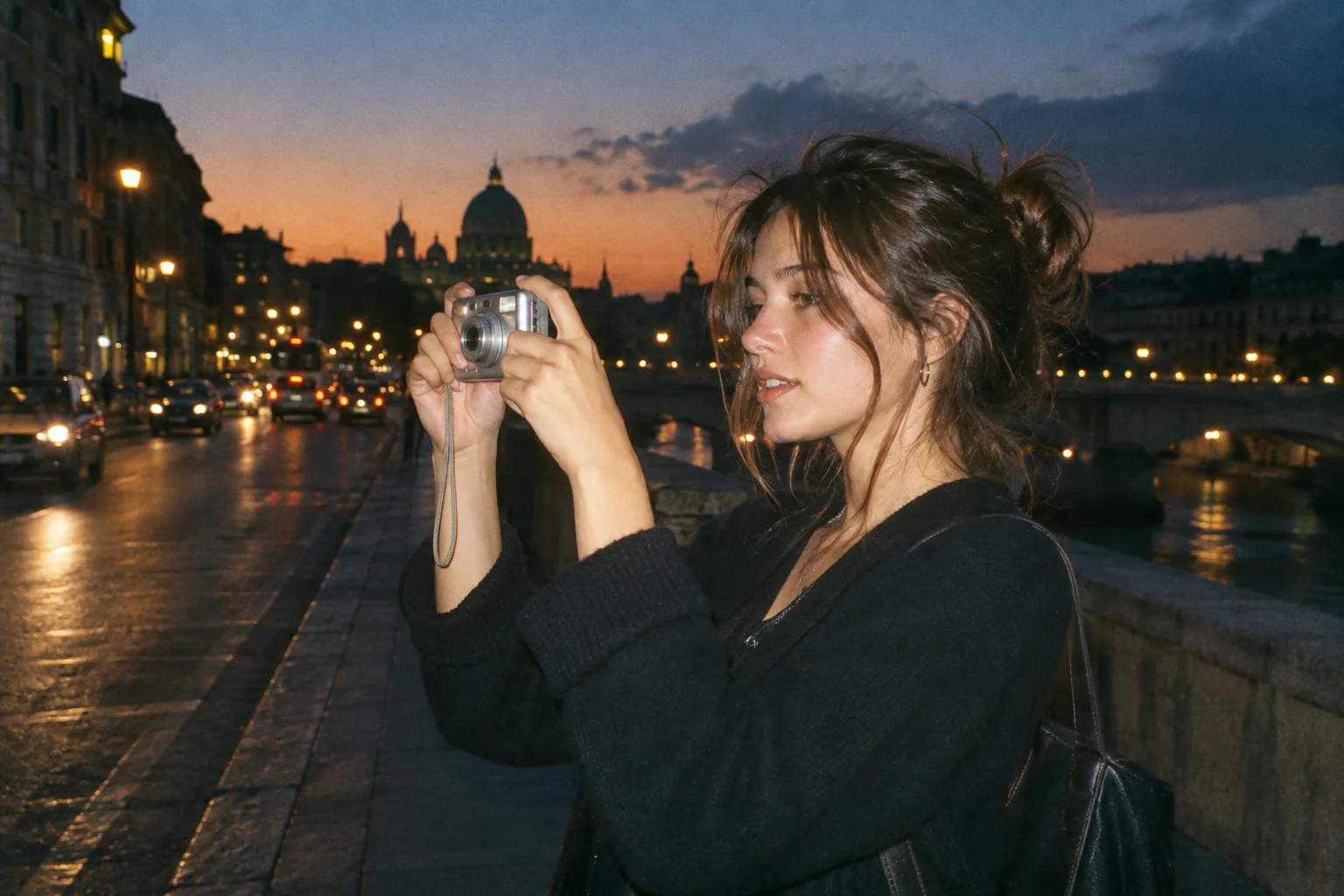
Upload a photo, pick a camera mood and export a new version in your browser.
This export is processed in your browser. No image is sent to the server. The original file is not changed.
Cool camcorder color and softness. Nightlife, candid frames and music imagery.
Change effect intensity, grain and vignette independently; compare with the original before saving.
Keep Original or choose 1:1, 4:5 or 9:16. Add an LCD or Instant frame when it suits the photo.
Enter your own text and turn the stamp on or off. The stamp is decorative, not evidence of when a photo was taken.
Import a JPG, PNG or WebP, then download a JPG or PNG. Inspect the saved file before sharing.
No registration is required. Optional server export uploads the image and can differ from the browser preview.
VHS Photo Effect applies a cool, less-saturated camcorder-inspired color grade to a still image. It is useful for music artwork, candid frames and nightlife photos where a strong modern palette feels too clean. It does not convert a video into tape or create a moving analogue signal.
 Original
 VHS example
Build the effect around color rather than assuming tape damage will be generated. Compare neutral walls and skin as intensity changes. Grain and vignette are optional finishing controls; use them carefully on a noisy night image so the subject does not disappear into added texture.
Try a candid photograph of a rehearsal room. Use the VHS grade to cool the color, then keep grain modest so instruments and faces stay readable.
This page processes still photos only. It does not add real tracking errors, animated scan lines, tape audio or video encoding.
Follow these steps with your own photo. The illustrations show the controls schematically; the rendered examples use this tool’s preset.
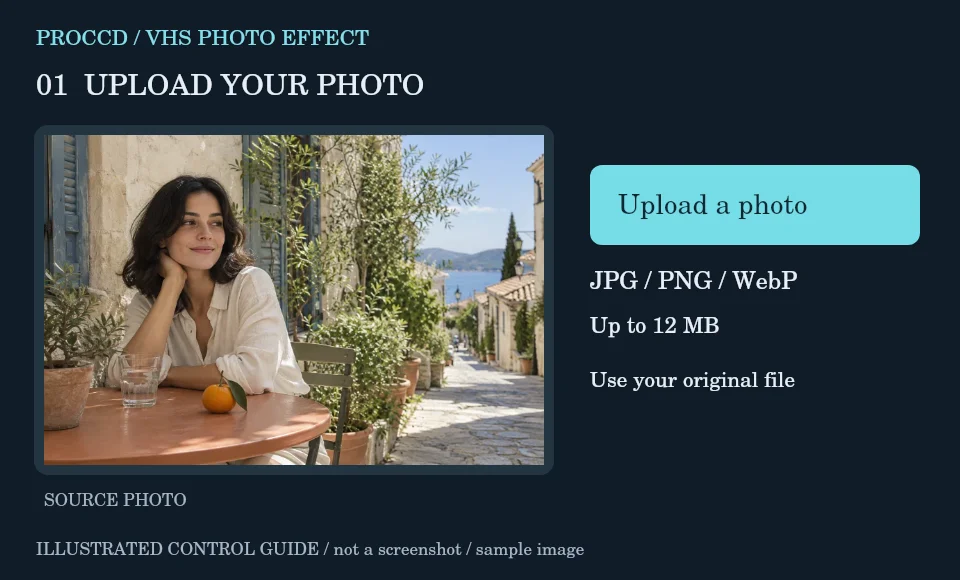
Upload a still JPG, PNG or WebP from a candid scene or your own extracted video frame.
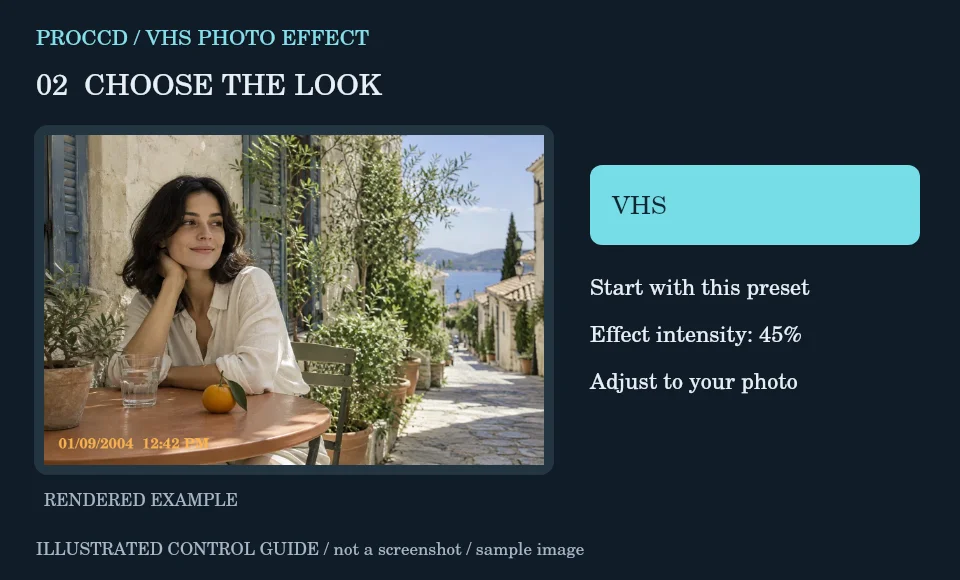
Keep VHS as the initial preset and set intensity while comparing skin and neutral surfaces.
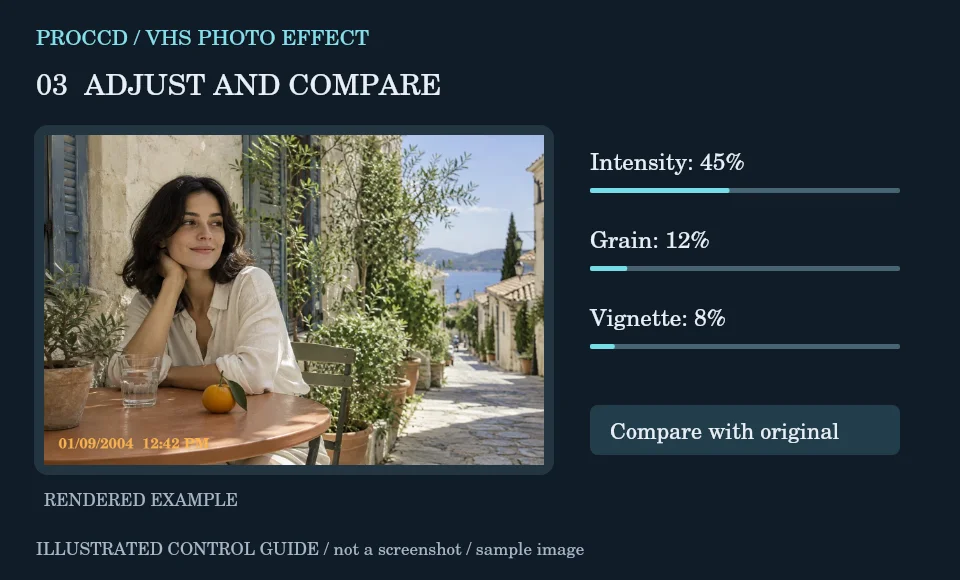
Add Grain or Vignette only if the source needs it. A decorative stamp is optional and is not a verified recording time.
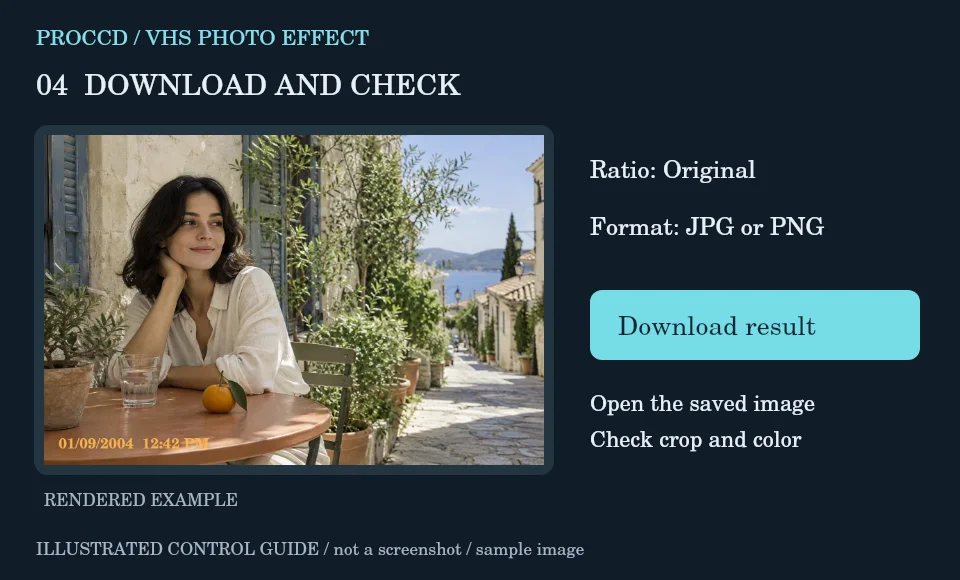
Choose an output crop and JPG or PNG. Download the still image; use Studio separately for its supported camera/video features.
Explore a related finish, then return to this editor to compare your choice.
No. The tool-page editor accepts still JPG, PNG and WebP images. Studio has a separate video workflow.
No. This preset focuses on color. The tool does not synthesize animated tape artefacts.
The tool-page editor accepts JPG, PNG and WebP up to 12 MB, with a maximum side of 8000 pixels and a 25 MP limit. Opt-in server processing has a 12 MP client limit and also depends on the server configuration.
The default export is processed in your browser. Selecting Use server processing for this export uploads your image when you download. The server uses a different renderer, so its result may differ from the browser preview.