Instant starting look
Bright, soft instant-print mood. Bright portraits and celebrations.
Bright, soft instant-print mood.
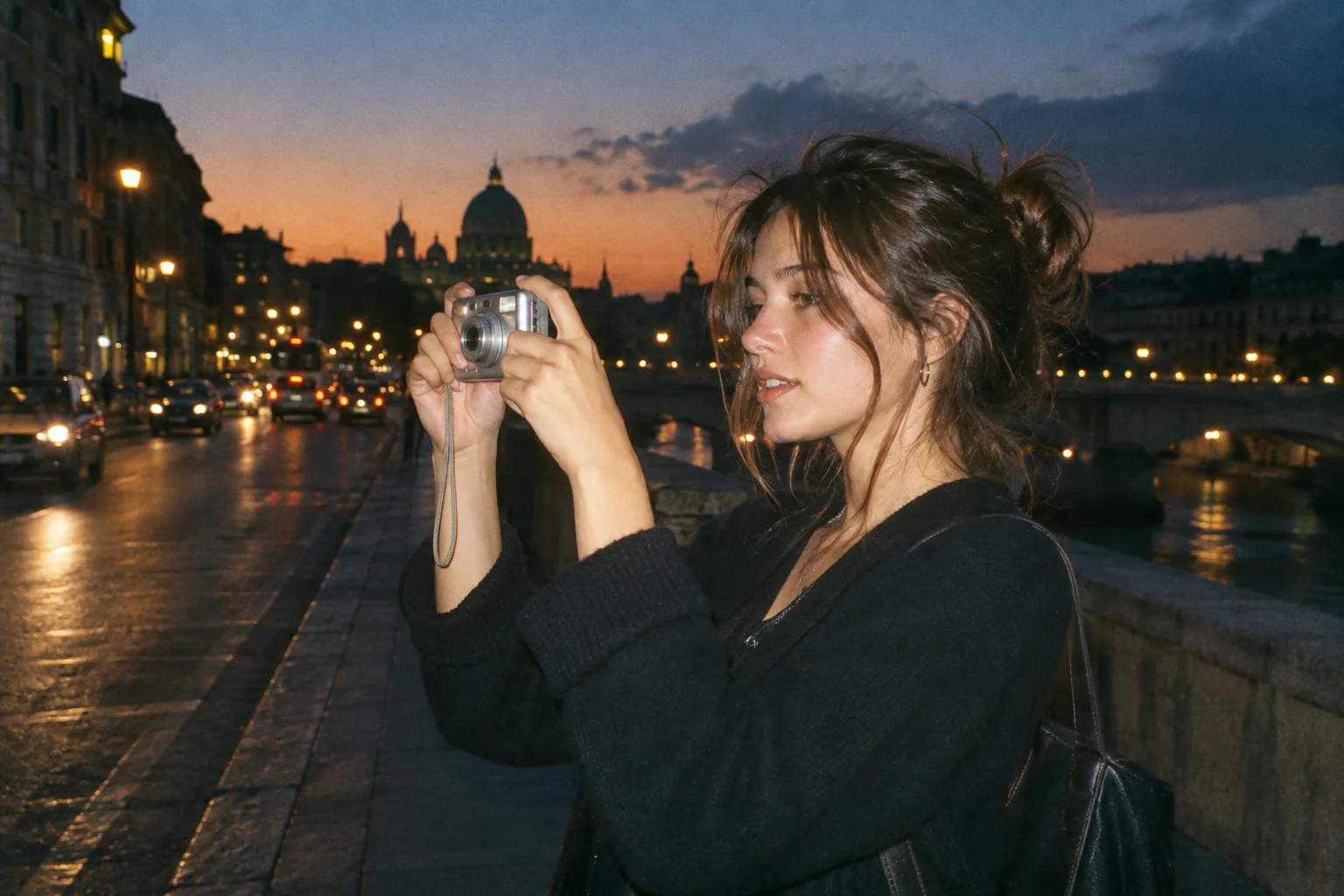
Upload a photo, pick a camera mood and export a new version in your browser.
This export is processed in your browser. No image is sent to the server. The original file is not changed.
Bright, soft instant-print mood. Bright portraits and celebrations.
Change effect intensity, grain and vignette independently; compare with the original before saving.
Keep Original or choose 1:1, 4:5 or 9:16. Add an LCD or Instant frame when it suits the photo.
Enter your own text and turn the stamp on or off. The stamp is decorative, not evidence of when a photo was taken.
Import a JPG, PNG or WebP, then download a JPG or PNG. Inspect the saved file before sharing.
No registration is required. Optional server export uploads the image and can differ from the browser preview.
Instant Camera begins with a bright, warm color treatment for an instant-print mood. Color and frame are independent: the initial image is not automatically turned into a physical print or sent to a printer. Select the Instant frame when you want the editor’s optional print-style border.
 Original
 Instant example
For portraits, compare pale clothing and skin before settling on intensity. Then choose whether the border supports the composition. The available frame is a graphic overlay within the exported image, so check details close to the edges instead of assuming extra paper space will be added around the source.
Use a naturally lit birthday portrait. Start with gentle Instant color, try the Instant frame and check that a hand or face near the edge is not covered.
The border is an image overlay, not a print-order service or a guaranteed physical instant-film layout. Output ratios use centered crops.
Follow these steps with your own photo. The illustrations show the controls schematically; the rendered examples use this tool’s preset.
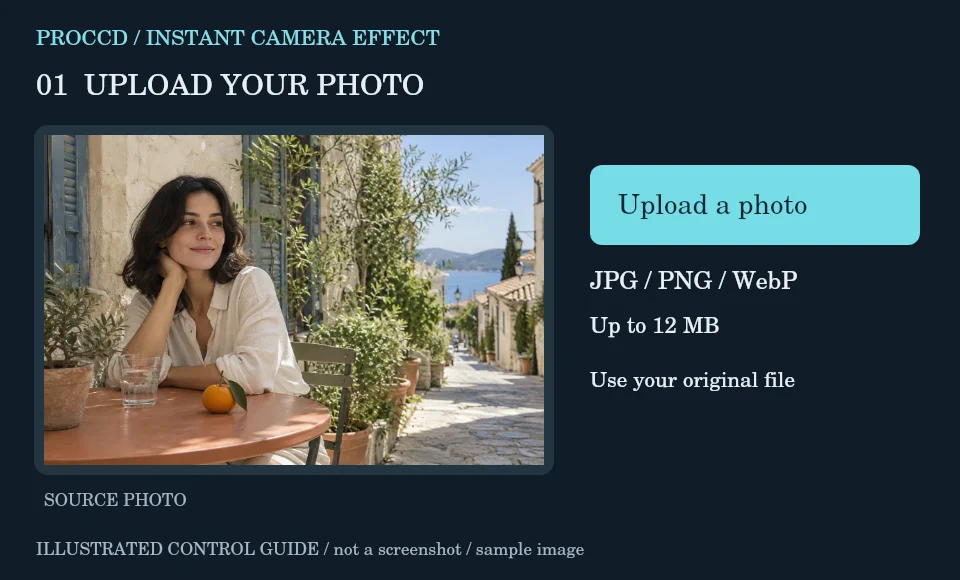
Upload a portrait, celebration or small still life with enough space around the subject.
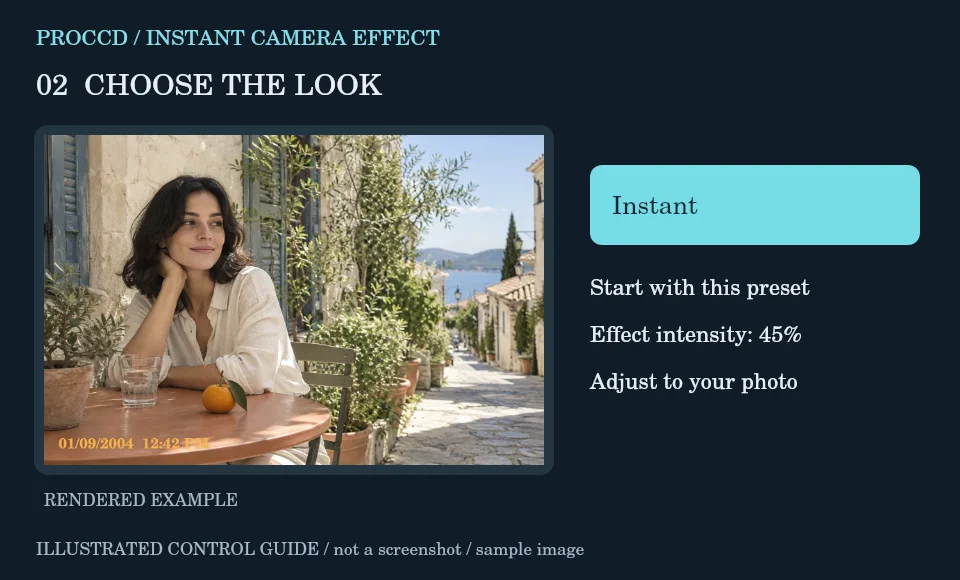
Keep the Instant color preset and lower intensity if light areas become too pale.
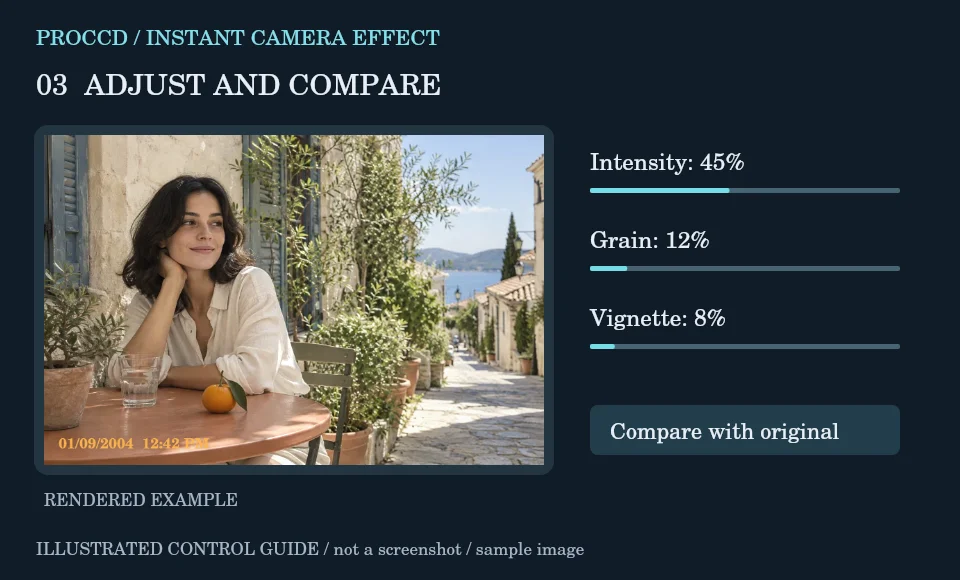
Choose Instant under Frame if you want a border. Preview edges and turn the stamp on or off according to your composition.
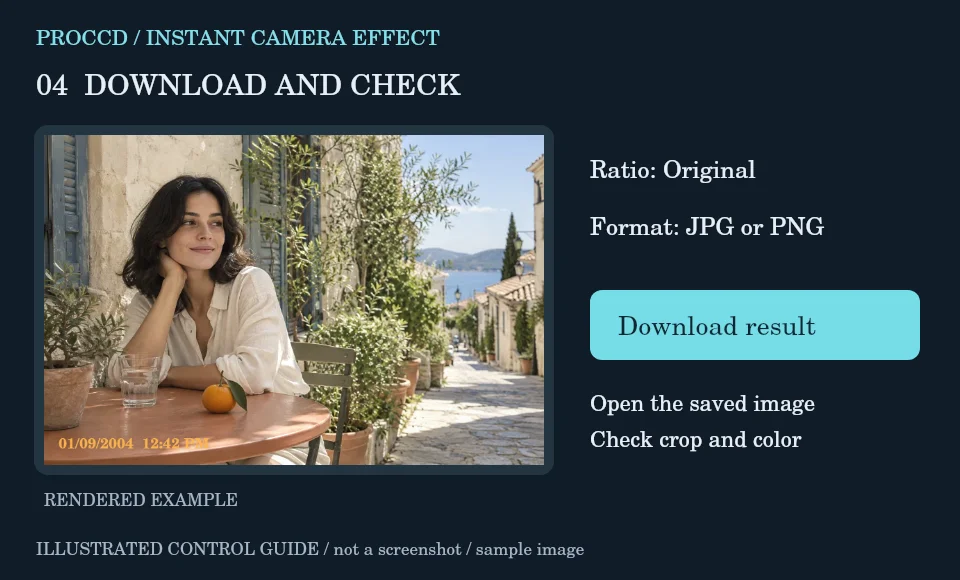
Review Original or another centered output ratio, select JPG or PNG, and download. Inspect the complete border in the saved image.
Explore a related finish, then return to this editor to compare your choice.
Yes. Choose Instant in the Frame controls; the frame is separate from the color preset.
No. It creates a downloadable image. Printing and physical dimensions are handled separately by your printer or print service.
The tool-page editor accepts JPG, PNG and WebP up to 12 MB, with a maximum side of 8000 pixels and a 25 MP limit. Opt-in server processing has a 12 MP client limit and also depends on the server configuration.
The default export is processed in your browser. Selecting Use server processing for this export uploads your image when you download. The server uses a different renderer, so its result may differ from the browser preview.