Y2K starting look
Glossy color with early-2000s energy. Flash portraits, parties and glossy color.
Glossy color with early-2000s energy.
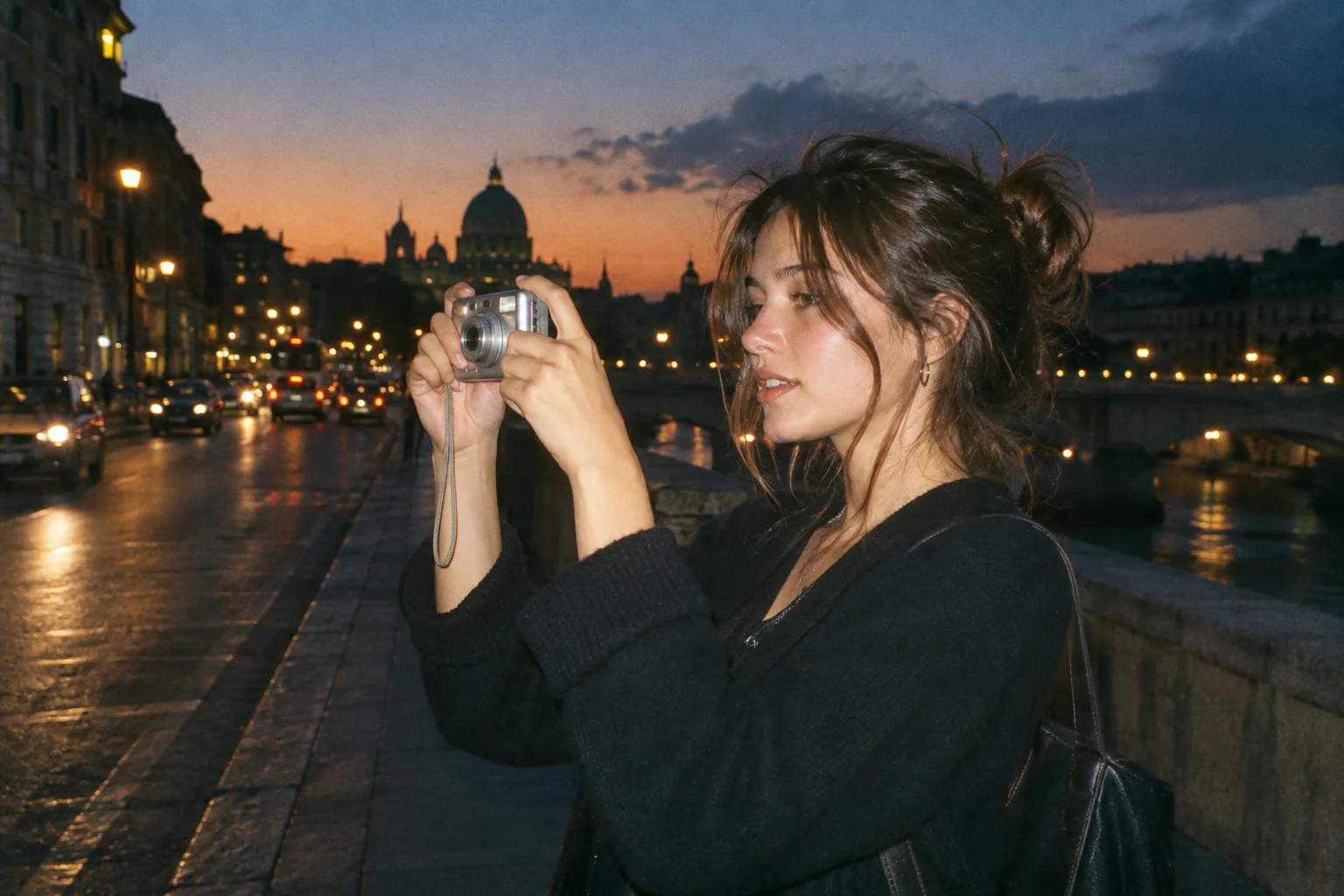
Upload a photo, pick a camera mood and export a new version in your browser.
This export is processed in your browser. No image is sent to the server. The original file is not changed.
Glossy color with early-2000s energy. Flash portraits, parties and glossy color.
Change effect intensity, grain and vignette independently; compare with the original before saving.
Keep Original or choose 1:1, 4:5 or 9:16. Add an LCD or Instant frame when it suits the photo.
Enter your own text and turn the stamp on or off. The stamp is decorative, not evidence of when a photo was taken.
Import a JPG, PNG or WebP, then download a JPG or PNG. Inspect the saved file before sharing.
No registration is required. Optional server export uploads the image and can differ from the browser preview.
Y2K is a bright, saturated treatment for playful early-2000s styling. It works particularly well when the source contains shiny clothing, metallic objects or strong urban color. The effect is aesthetic: it does not reconstruct an old camera’s processing or identify the year a photo was taken.
 Original
 Y2K example
Watch bright areas first. Raising intensity on an already overexposed party photograph can make a face or reflective surface less readable. Keep enough separation between highlights, then use the optional stamp and frame as design choices rather than proof of when the scene happened.
Use a party portrait with reflective accessories. Try a stronger Y2K grade, then reduce it until the face and jewelry remain distinguishable.
The preset cannot restore blown highlights, change clothing or automatically create a collage. A date overlay is decorative.
Follow these steps with your own photo. The illustrations show the controls schematically; the rendered examples use this tool’s preset.
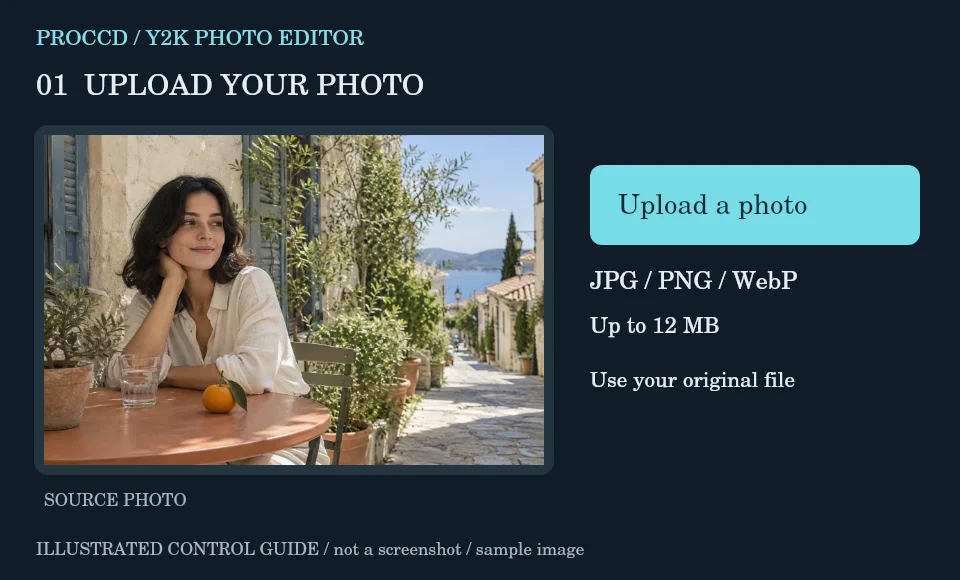
Import a party, fashion or bright city photograph with visible subject detail. Avoid starting with an already heavily saturated edit.
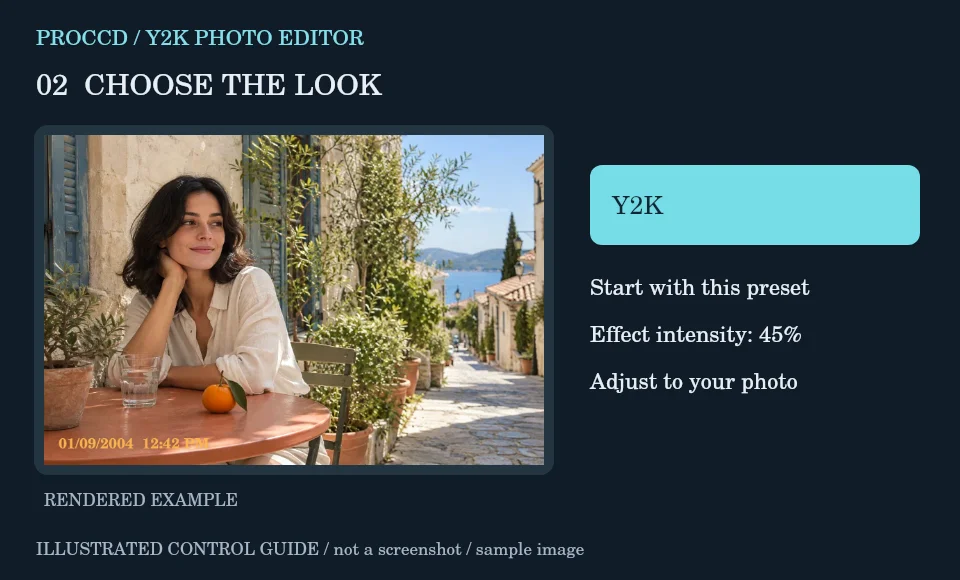
Keep the initial Y2K treatment and adjust intensity while watching faces and reflective highlights.
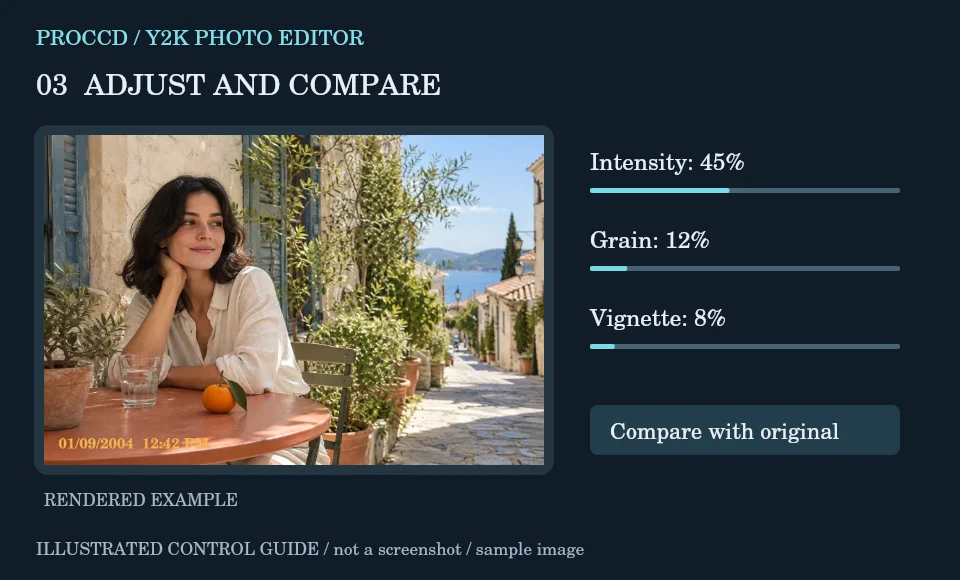
Try Grain for a rougher surface. Add a short date or LCD frame only if it supports the look; use Compare to reassess the result.
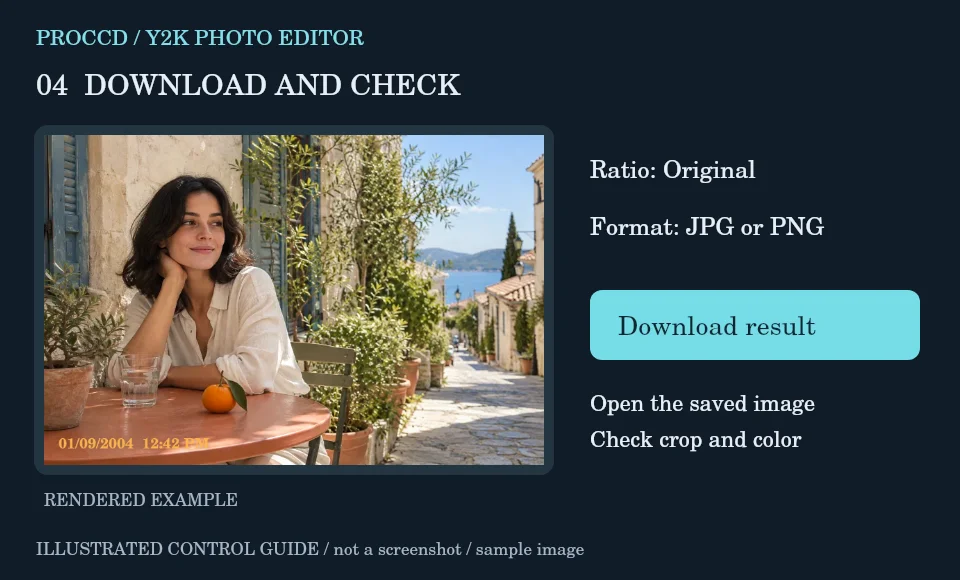
Choose a centered 9:16 crop for a story or Original for the full image. Download and check that the subject survives the crop.
Explore a related finish, then return to this editor to compare your choice.
No. It changes the appearance of the existing photograph through color and finishing controls.
Reduce intensity and compare with the original. Detail that is absent from the original cannot be recovered by this effect.
The tool-page editor accepts JPG, PNG and WebP up to 12 MB, with a maximum side of 8000 pixels and a 25 MP limit. Opt-in server processing has a 12 MP client limit and also depends on the server configuration.
The default export is processed in your browser. Selecting Use server processing for this export uploads your image when you download. The server uses a different renderer, so its result may differ from the browser preview.