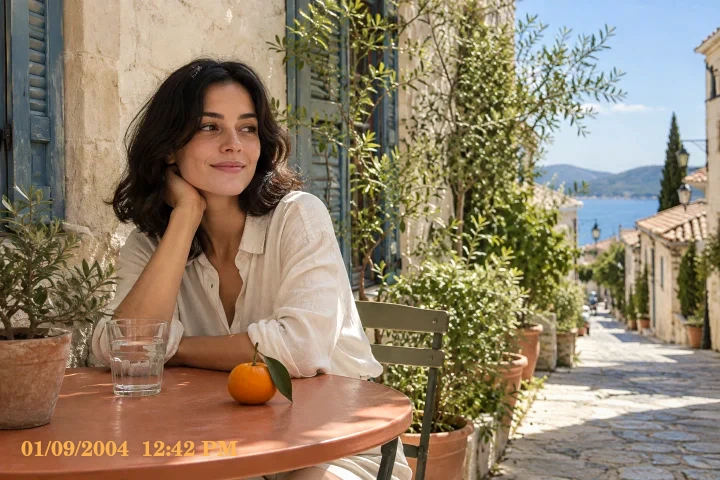
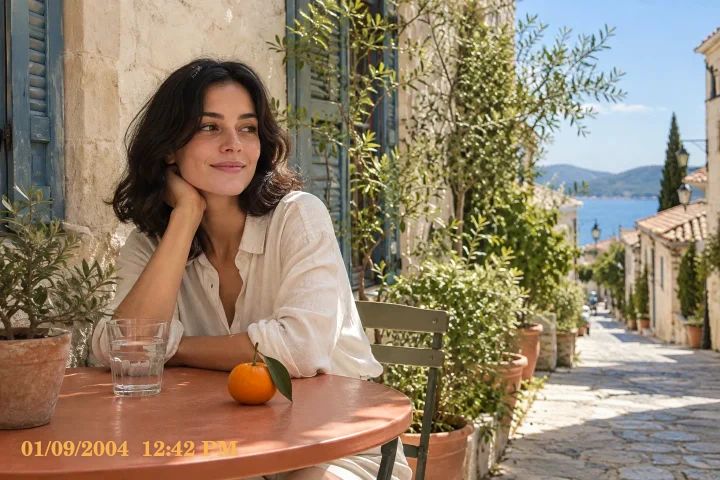
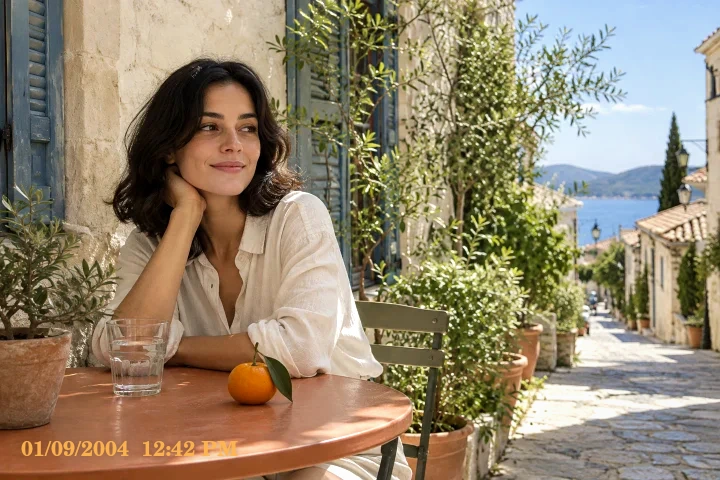
Digital Camera starting look
Crisp early-digital color. Everyday snapshots and compact-camera color.
Crisp color with compact-camera character.
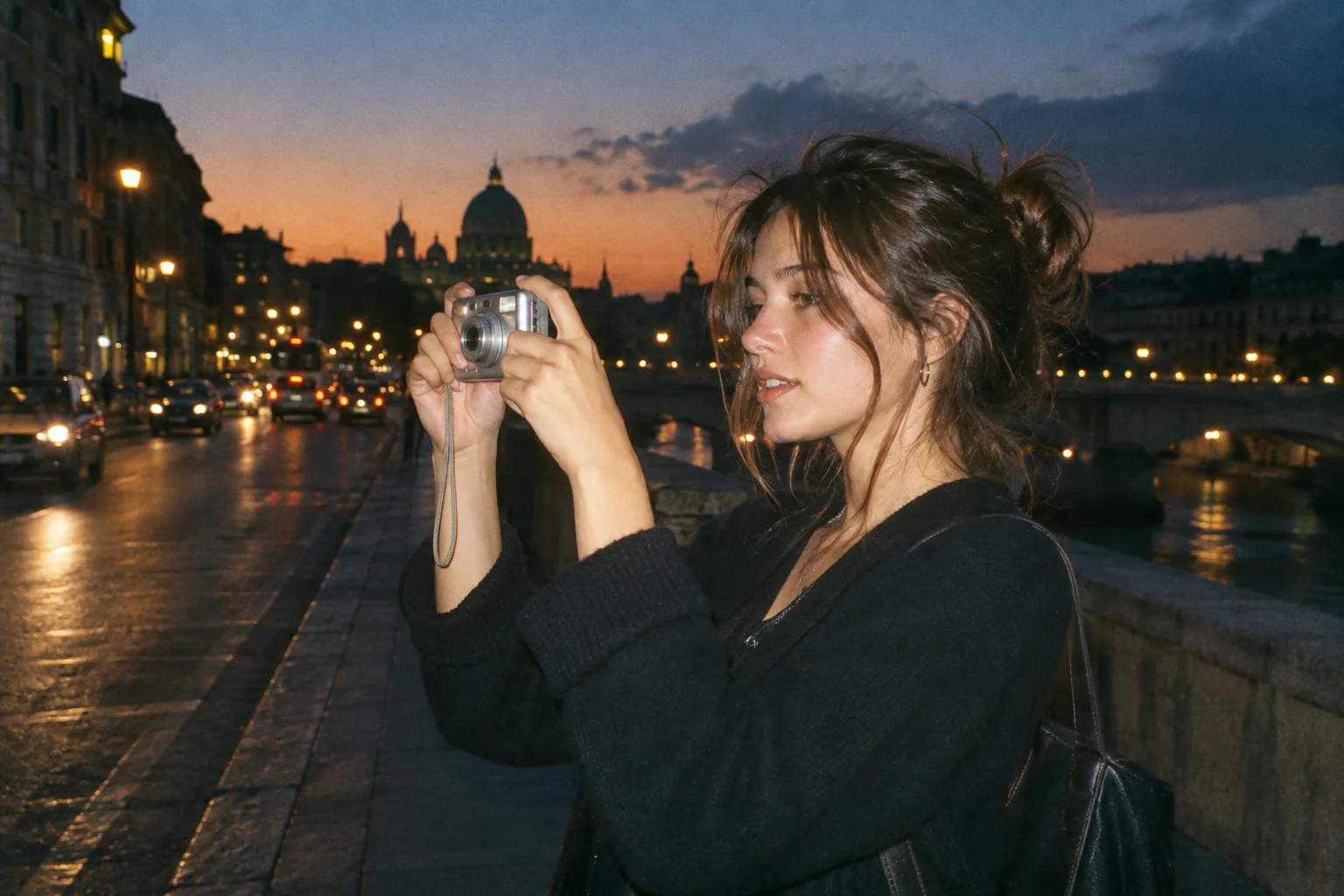
Upload a photo, pick a camera mood and export a new version in your browser.
This export is processed in your browser. No image is sent to the server. The original file is not changed.
Crisp early-digital color. Everyday snapshots and compact-camera color.
Change effect intensity, grain and vignette independently; compare with the original before saving.
Keep Original or choose 1:1, 4:5 or 9:16. Add an LCD or Instant frame when it suits the photo.
Enter your own text and turn the stamp on or off. The stamp is decorative, not evidence of when a photo was taken.
Import a JPG, PNG or WebP, then download a JPG or PNG. Inspect the saved file before sharing.
No registration is required. Optional server export uploads the image and can differ from the browser preview.
Digital Camera is a restrained starting point for crisp snapshot color. Its preset emphasizes contrast and saturation instead of simulating film development. Use it when you want an older compact-camera mood while keeping buildings, clothes and everyday details readable.
 Original
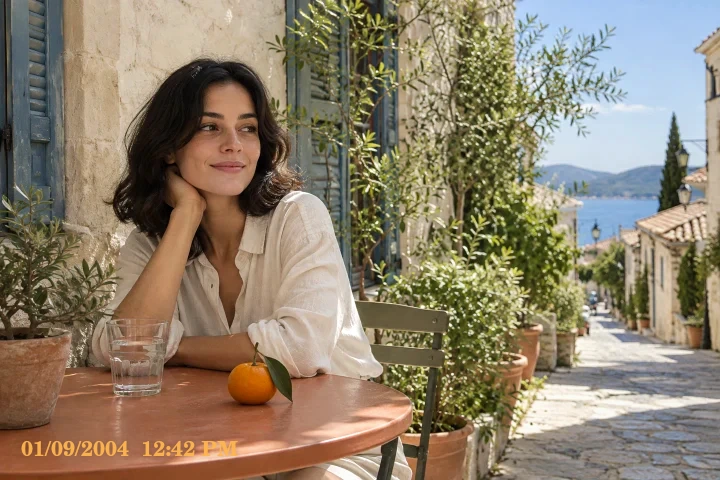 Digital Camera example
Start with a daylight photo that already contains useful shadow detail. Check red objects and green foliage while adjusting intensity: stronger color is not always better color. Grain and edge shading are separate controls, so you can keep them low for a cleaner digital finish.
Edit a daytime street photo with colorful signs. Start below full intensity, keep grain low and compare lettering and foliage before saving.
This is not a RAW developer, lens correction tool or exact reproduction of a named compact camera.
Follow these steps with your own photo. The illustrations show the controls schematically; the rendered examples use this tool’s preset.
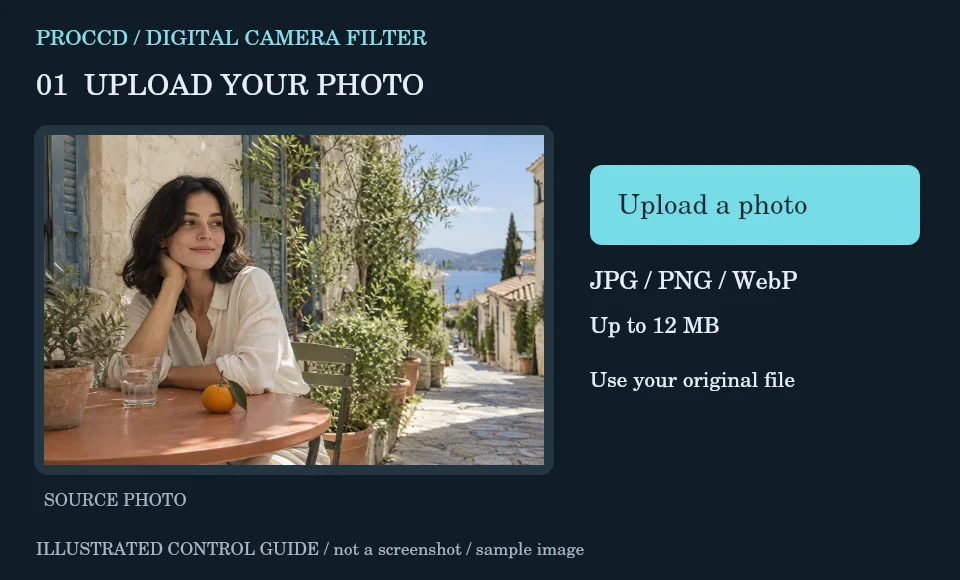
Choose a daylight street, travel or everyday snapshot. Upload a supported still-image file under the displayed size limit.
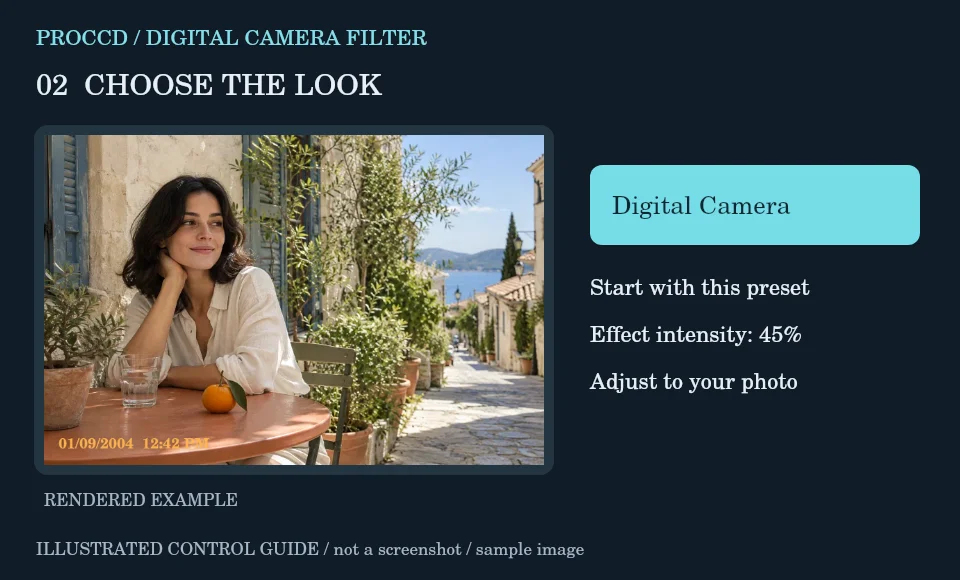
Start with the initial Digital Camera preset. Compare its crispness and color against CCD if you want a cooler alternative.
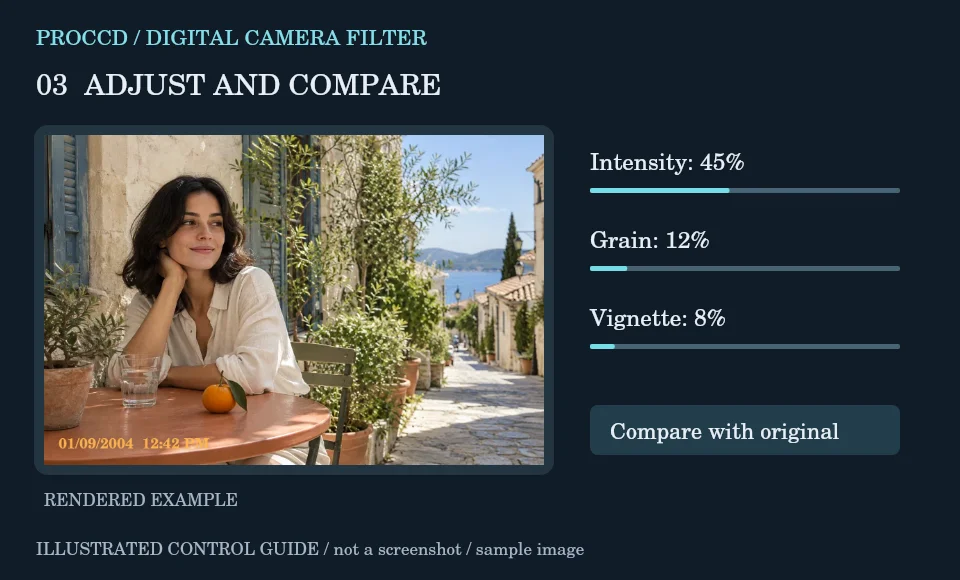
Set intensity while watching vivid objects. Keep Grain restrained and add Vignette only if the subject benefits from darker corners.
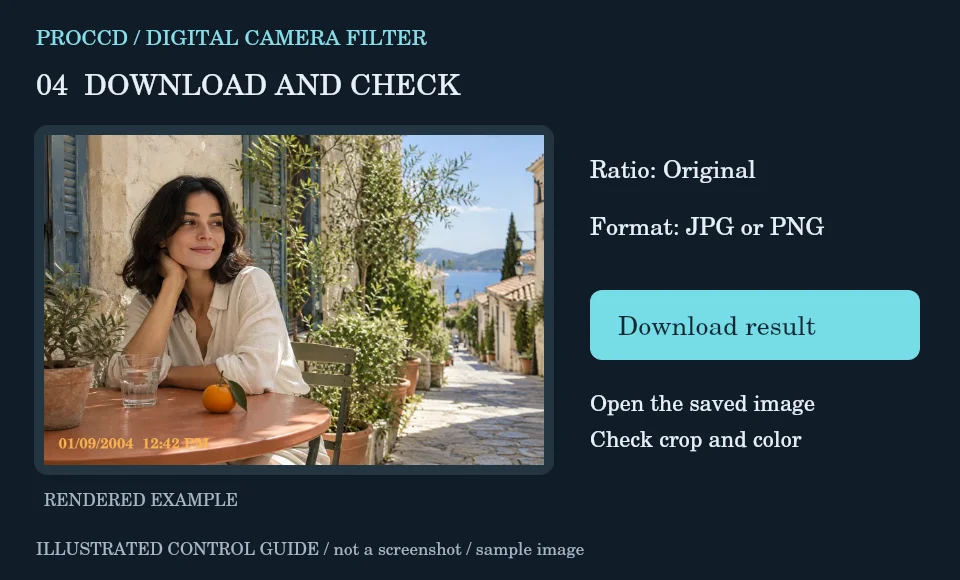
Choose Original to preserve framing or a centered social crop. Download JPG for sharing or PNG when that format is preferred.
Explore a related finish, then return to this editor to compare your choice.
Its browser preset uses a crisper, more saturated treatment; Film uses a warmer, more restrained color grade.
Yes. Intensity and Output ratio are separate controls. Leave the ratio on Original while changing intensity.
The tool-page editor accepts JPG, PNG and WebP up to 12 MB, with a maximum side of 8000 pixels and a 25 MP limit. Opt-in server processing has a 12 MP client limit and also depends on the server configuration.
The default export is processed in your browser. Selecting Use server processing for this export uploads your image when you download. The server uses a different renderer, so its result may differ from the browser preview.