Y2K starting look
Glossy color with early-2000s energy. Party photos, flash portraits and glossy color.
A compact-camera mood for modern photos.
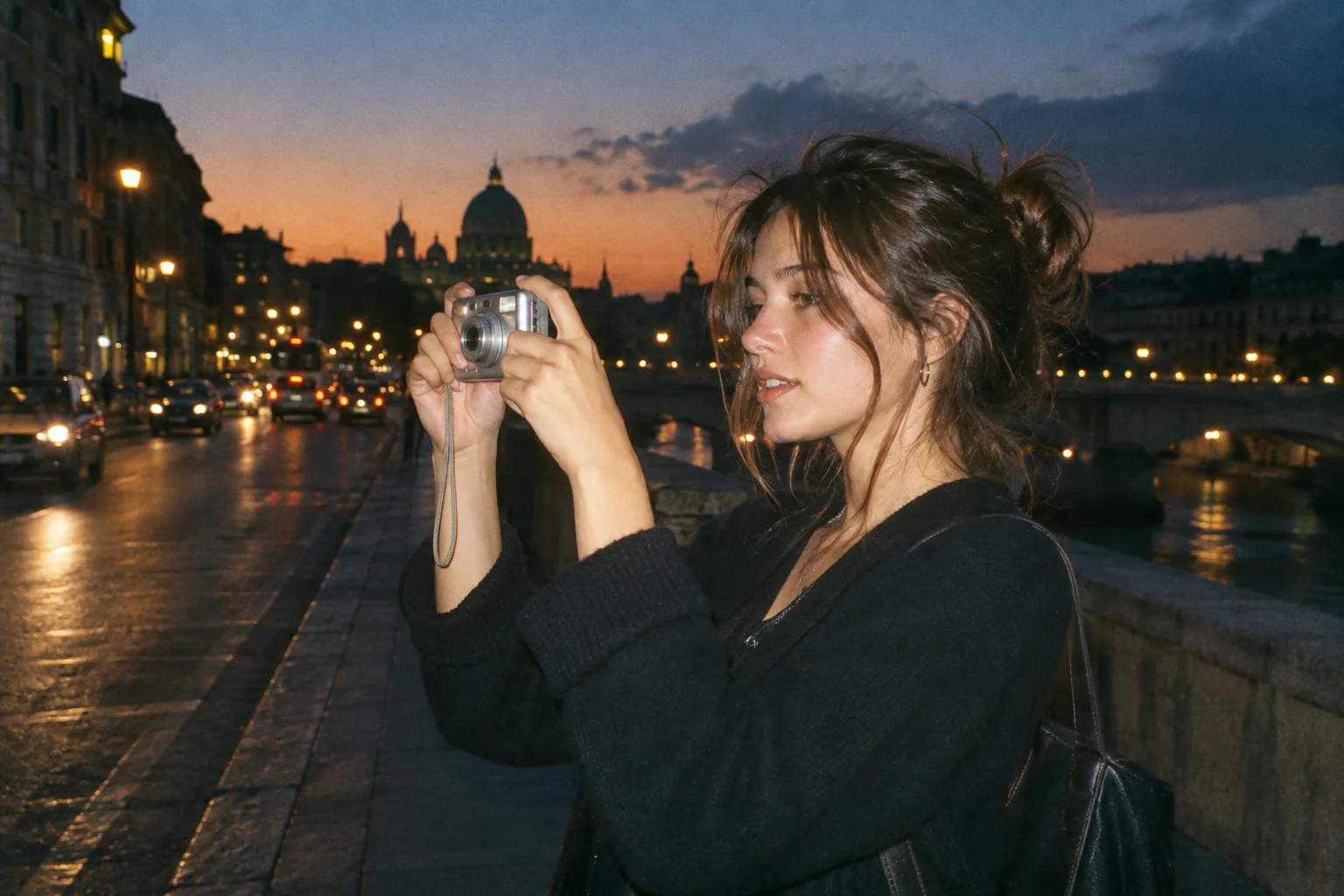
Upload a photo, pick a camera mood and export a new version in your browser.
This export is processed in your browser. No image is sent to the server. The original file is not changed.
Glossy color with early-2000s energy. Party photos, flash portraits and glossy color.
Change effect intensity, grain and vignette independently; compare with the original before saving.
Keep Original or choose 1:1, 4:5 or 9:16. Add an LCD or Instant frame when it suits the photo.
Enter your own text and turn the stamp on or off. The stamp is decorative, not evidence of when a photo was taken.
Import a JPG, PNG or WebP, then download a JPG or PNG. Inspect the saved file before sharing.
No registration is required. Optional server export uploads the image and can differ from the browser preview.
This page uses the shared editor’s Y2K preset as a starting point for an early-2000s snapshot workflow. Its focus is on composition and camera details: a candid subject, simple framing and an optional date stamp. It is not a separate 2000S camera simulation.
 Original
 Y2K example
For a believable snapshot, keep the source photograph and the finish in balance. Try moderate intensity before choosing a square or portrait crop. The separate 2000S Studio profile has its own Lo-Fi and Dreamcore modes; use its camera guide when that is the experience you want.
Start with a group photograph from an evening out. Preserve enough space around every face, use a moderate Y2K grade and add a short, clearly decorative date.
The initial preset is shared with Y2K Photo Editor. Studio’s 2000S profile is a different renderer and may produce a different result.
Follow these steps with your own photo. The illustrations show the controls schematically; the rendered examples use this tool’s preset.
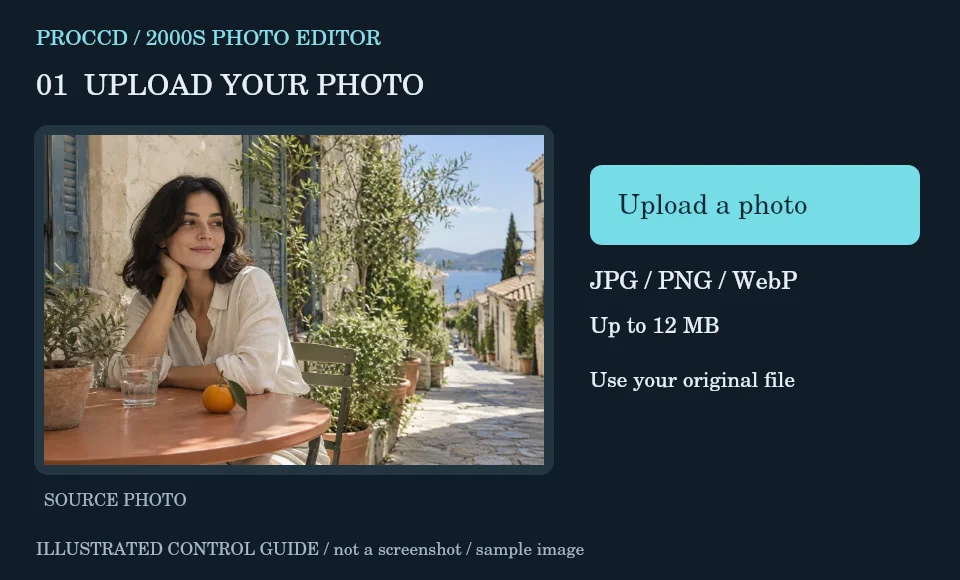
Choose a candid group, travel or indoor snapshot. Upload the original still photo instead of a screenshot of an edited version.
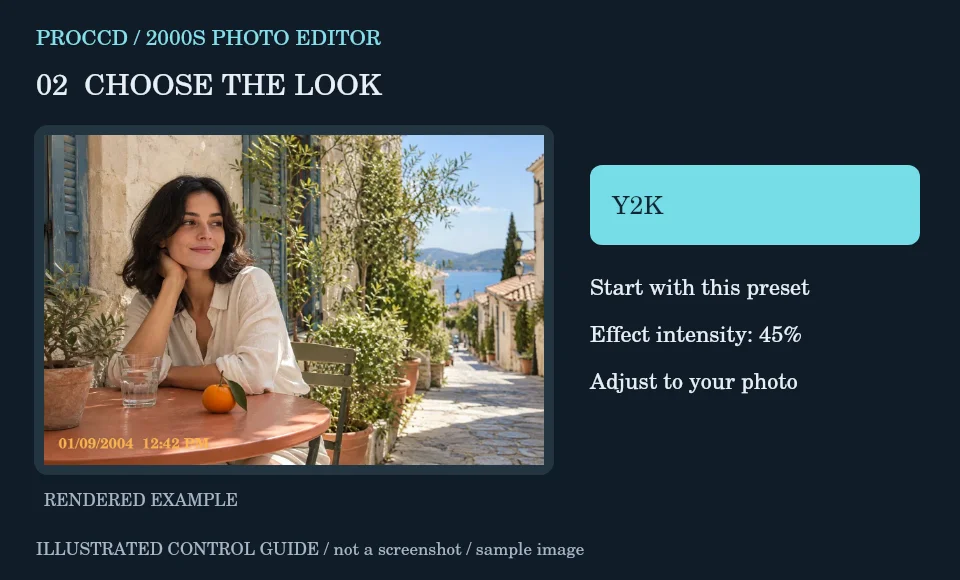
Begin with the page’s Y2K preset and aim for a modest early-digital finish. Lower intensity if indoor skin becomes too bright.
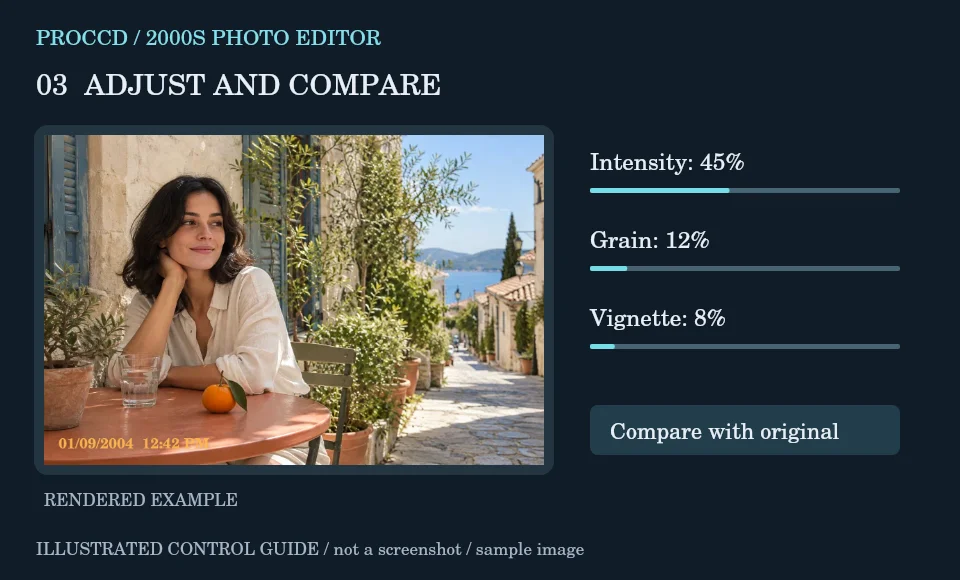
Enter your chosen stamp text and preview it. Select a frame or leave None for an unframed snapshot.
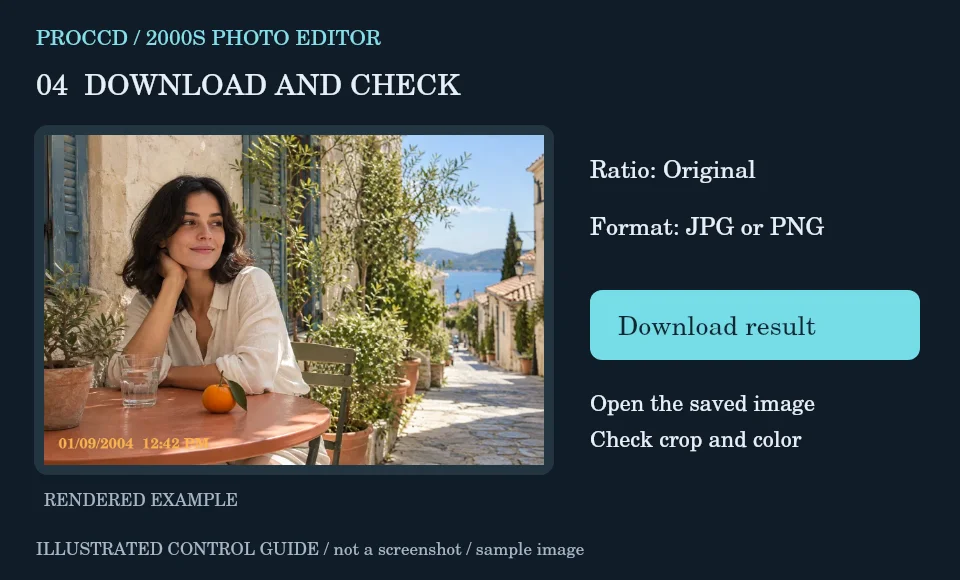
Use Original for a group or a centered 4:5 crop for one subject. Download a JPG or PNG and check faces near the edges.
Explore a related finish, then return to this editor to compare your choice.
No. This page starts the simpler tool editor with Y2K. The 2000S camera guide links to Studio’s separate Lo-Fi and Dreamcore modes.
The stamp is editable text. Check it yourself; it is not verified evidence of the capture date.
The tool-page editor accepts JPG, PNG and WebP up to 12 MB, with a maximum side of 8000 pixels and a 25 MP limit. Opt-in server processing has a 12 MP client limit and also depends on the server configuration.
The default export is processed in your browser. Selecting Use server processing for this export uploads your image when you download. The server uses a different renderer, so its result may differ from the browser preview.