Disposable starting look
Hard flash, imperfect color. Night snapshots and candid groups.
Hard flash and imperfect color.
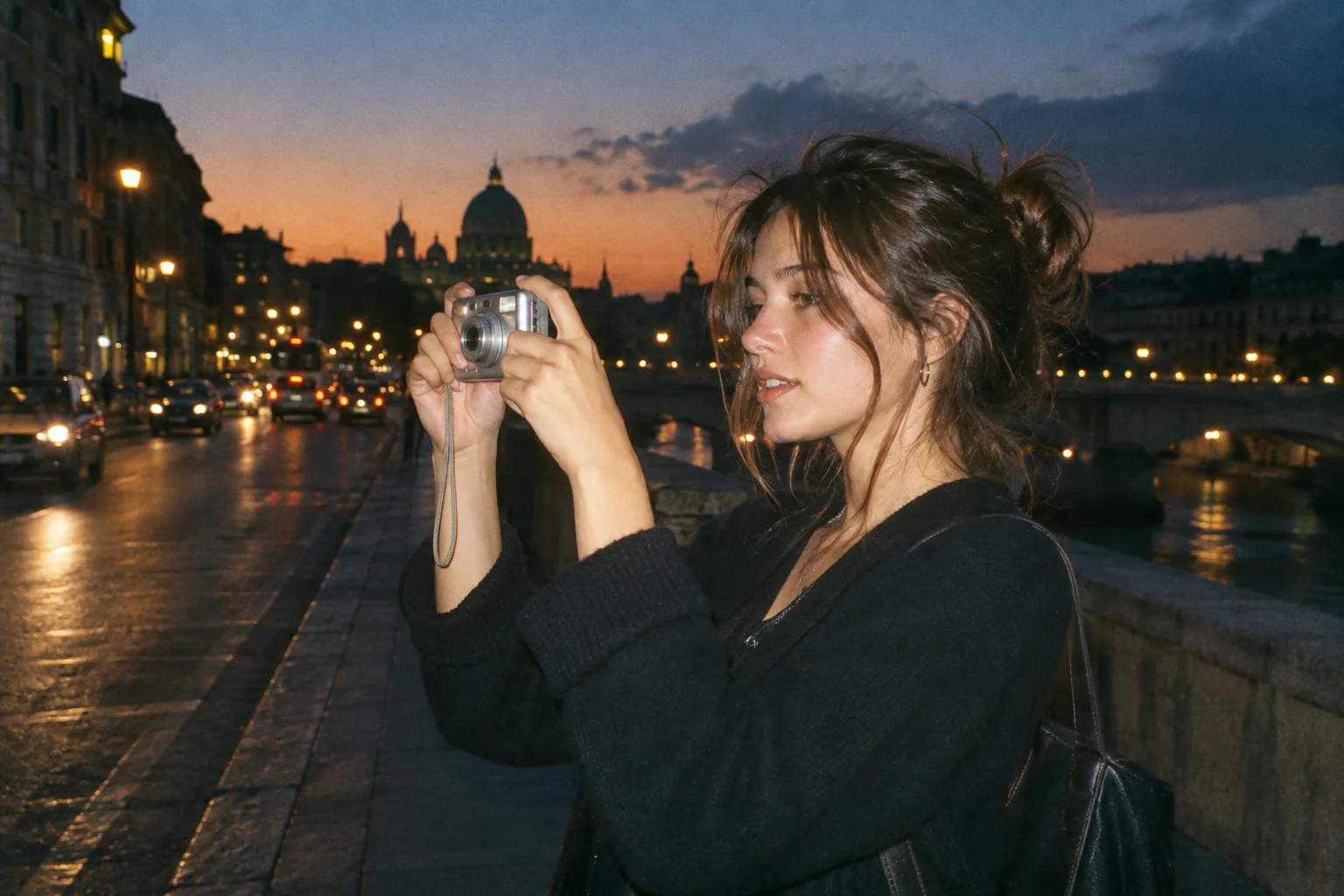
Upload a photo, pick a camera mood and export a new version in your browser.
This export is processed in your browser. No image is sent to the server. The original file is not changed.
Hard flash, imperfect color. Night snapshots and candid groups.
Change effect intensity, grain and vignette independently; compare with the original before saving.
Keep Original or choose 1:1, 4:5 or 9:16. Add an LCD or Instant frame when it suits the photo.
Enter your own text and turn the stamp on or off. The stamp is decorative, not evidence of when a photo was taken.
Import a JPG, PNG or WebP, then download a JPG or PNG. Inspect the saved file before sharing.
No registration is required. Optional server export uploads the image and can differ from the browser preview.
Disposable Camera favors a punchy, warm snapshot treatment. Use it on candid portraits and close groups when the source already has a clear subject. The editor changes the photograph’s appearance; it does not add physically accurate illumination to objects that were not lit when the photo was taken.
 Original
 Disposable example
A darker background can make the effect feel stronger without pushing the whole image to full intensity. Check the brightest face in a group first, then compare the corners before adding vignette. A little texture can support the mood, but it will not fix motion blur or a missed focus.
Try a close group photo against a dark background. Keep faces readable, add modest grain and avoid a crop that cuts off people at the edges.
The effect cannot reconstruct missing light or sharpen a badly blurred face. Cropping occurs only when you choose a non-Original output ratio.
Follow these steps with your own photo. The illustrations show the controls schematically; the rendered examples use this tool’s preset.
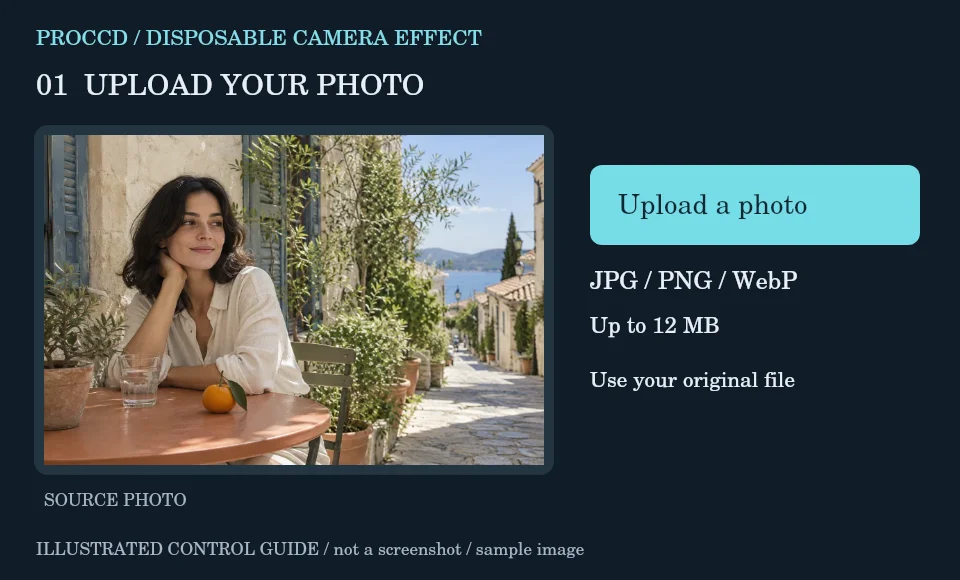
Import a candid photograph with a readable subject. A real flash-lit source is useful, but the tool does not require it.
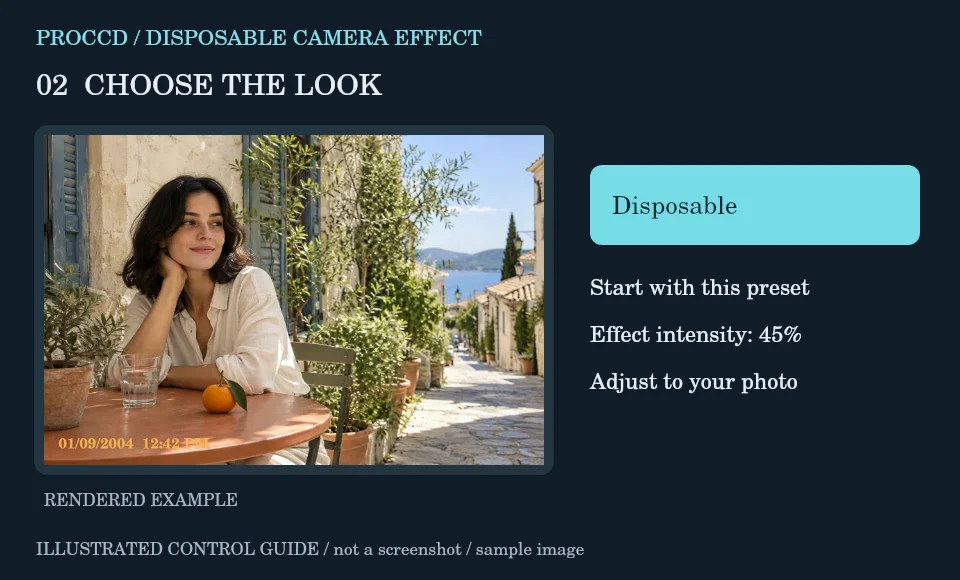
Keep Disposable as the initial preset. Reduce intensity if the lightest face becomes washed out.
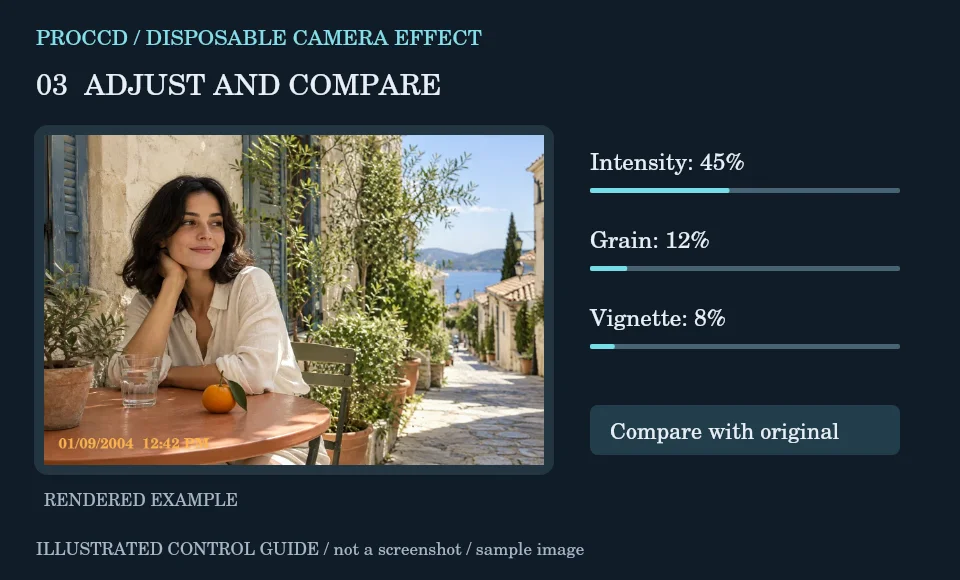
Adjust Grain and Vignette, then decide whether to add the editable date stamp. Compare without the stamp if it distracts.
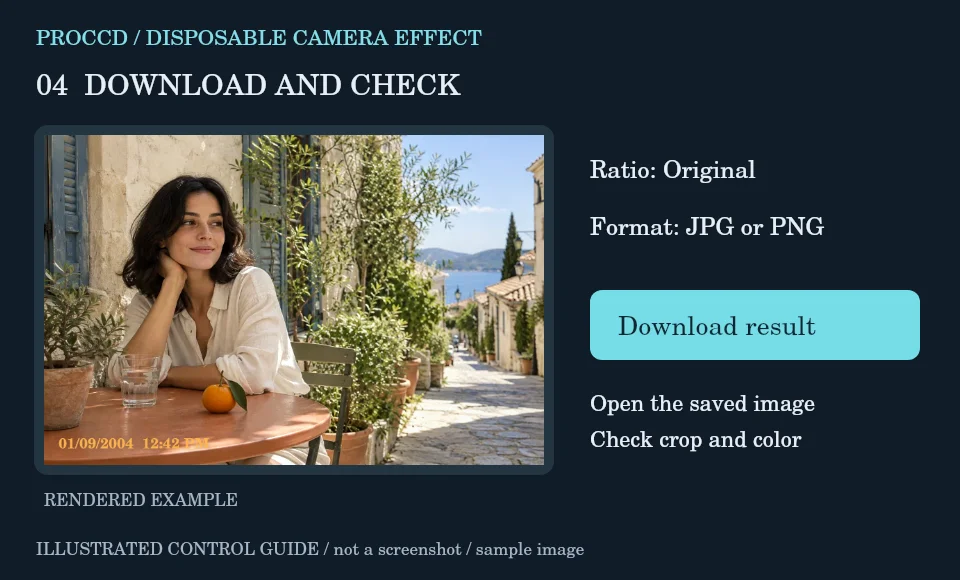
Choose Original to preserve framing, or review the centered crop carefully. Download the finished still photo as JPG or PNG.
Explore a related finish, then return to this editor to compare your choice.
Original preserves the source ratio. Choosing 1:1, 4:5 or 9:16 applies a centered crop.
The preset changes color and tone. It does not reconstruct the scene’s lighting or recover a face that is not visible in the source.
The tool-page editor accepts JPG, PNG and WebP up to 12 MB, with a maximum side of 8000 pixels and a 25 MP limit. Opt-in server processing has a 12 MP client limit and also depends on the server configuration.
The default export is processed in your browser. Selecting Use server processing for this export uploads your image when you download. The server uses a different renderer, so its result may differ from the browser preview.