Date Stamp starting look
A clean digital-camera timestamp layer. Travel memories and time-capsule photos.
Add a compact-camera timestamp.

Upload a photo, pick a camera mood and export a new version in your browser.
This export is processed in your browser. No image is sent to the server. The original file is not changed.
A clean digital-camera timestamp layer. Travel memories and time-capsule photos.
Change effect intensity, grain and vignette independently; compare with the original before saving.
Keep Original or choose 1:1, 4:5 or 9:16. Add an LCD or Instant frame when it suits the photo.
Enter your own text and turn the stamp on or off. The stamp is decorative, not evidence of when a photo was taken.
Import a JPG, PNG or WebP, then download a JPG or PNG. Inspect the saved file before sharing.
No registration is required. Optional server export uploads the image and can differ from the browser preview.
Digital Date Stamp adds editable text as a camera-style overlay on a photo. Use it for a personal diary, trip memory or deliberately dated design. The text is chosen by you: this tool does not verify a capture date, update EXIF metadata or certify when the photograph was taken.
 Original
 Date Stamp example
Start by deciding whether you want the page’s mild digital color treatment as well as the stamp. Set intensity separately, then edit the Stamp text field and turn Add date stamp on. Check the text against both dark and bright parts of the image before choosing a frame or centered crop.
For a travel photograph, enter a short trip date such as 2026 / 10 / 21. Treat it as a label you supplied, and review its position in the actual download.
The stamp is decorative text. Its appearance can differ between browser and server rendering, and non-Latin text depends on available font support.
Follow these steps with your own photo. The illustrations show the controls schematically; the rendered examples use this tool’s preset.
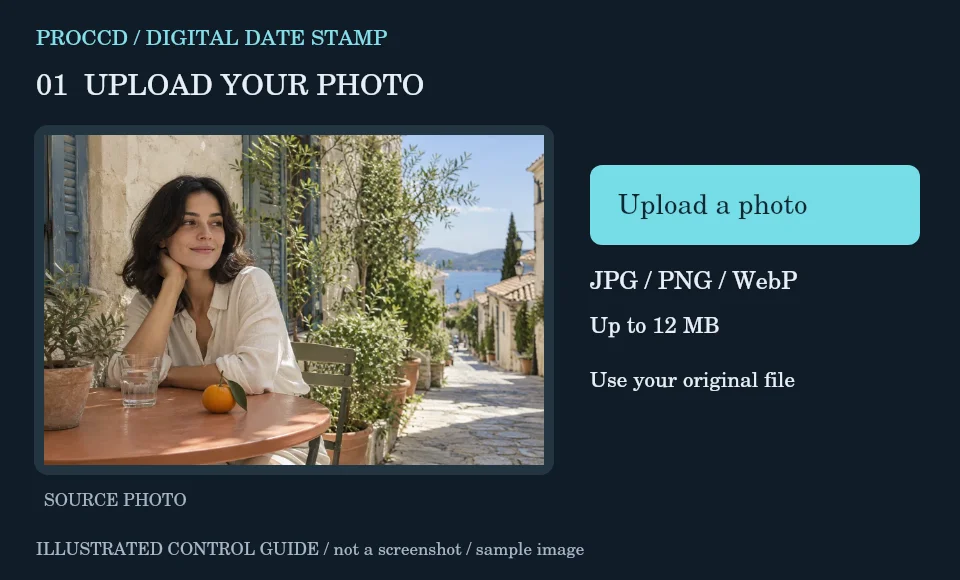
Upload the still photo you want to label. Decide on the date or short caption yourself rather than assuming it is read from metadata.
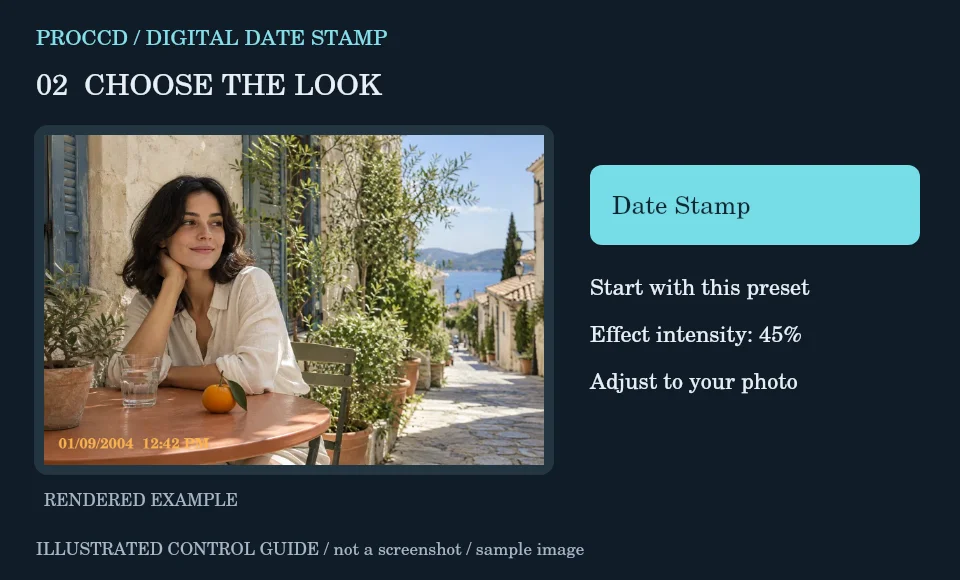
Set the Date Stamp preset intensity for the color treatment. Use a low intensity when you want the source color to remain close to the original.
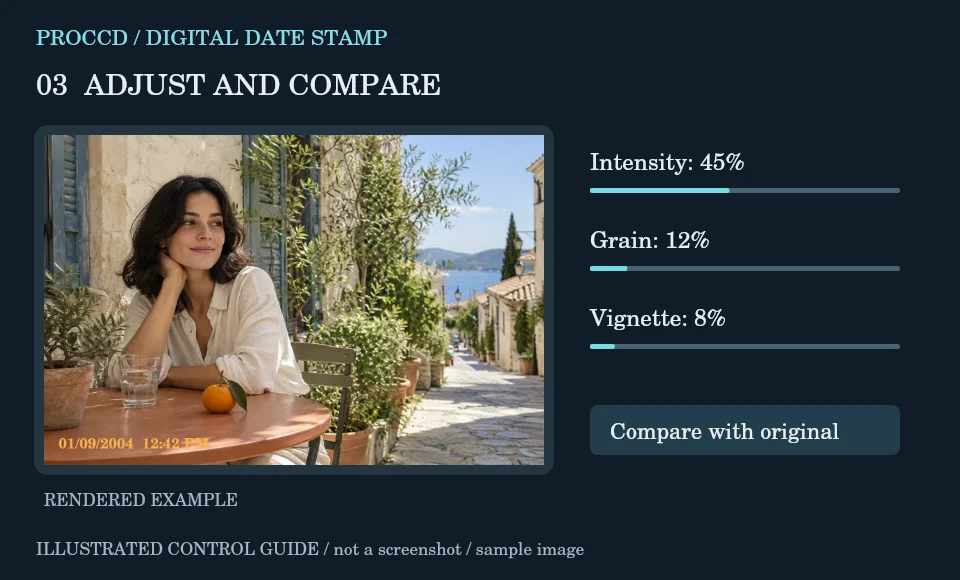
Edit Stamp text, keeping it within 28 characters, and enable Add date stamp. Check the label against the photo and optional frame.
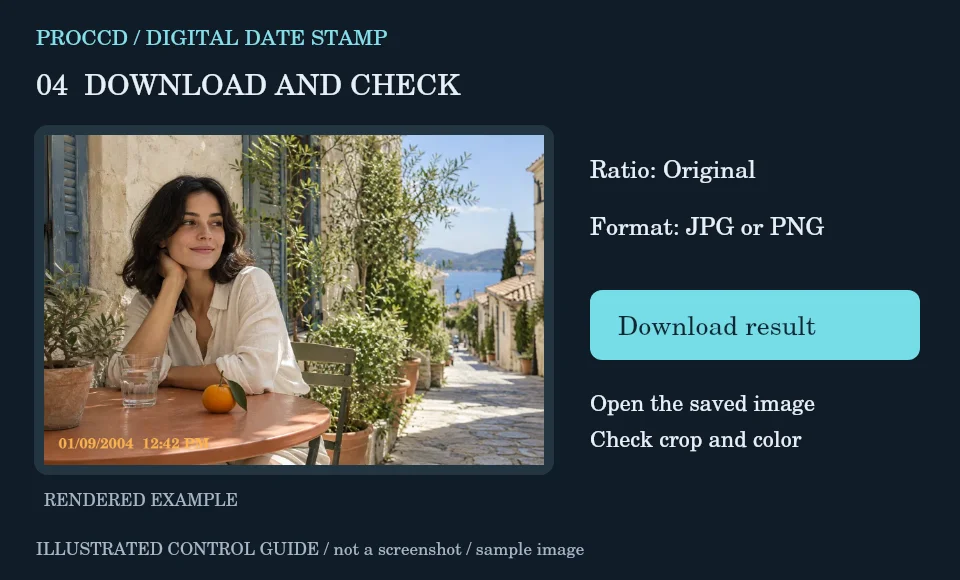
Choose the output ratio and JPG or PNG. Download and open the result to confirm that the text is readable and not hidden by the crop.
Explore a related finish, then return to this editor to compare your choice.
No. It draws the text you enter onto the edited image. It does not verify or update the original capture-date metadata.
Yes. The field accepts a short editable label up to 28 characters. Font coverage varies, especially for opt-in server export, so check the downloaded result.
The tool-page editor accepts JPG, PNG and WebP up to 12 MB, with a maximum side of 8000 pixels and a 25 MP limit. Opt-in server processing has a 12 MP client limit and also depends on the server configuration.
The default export is processed in your browser. Selecting Use server processing for this export uploads your image when you download. The server uses a different renderer, so its result may differ from the browser preview.