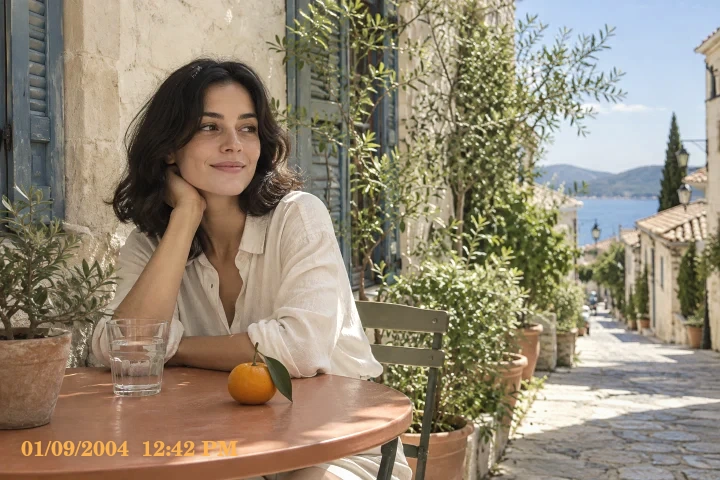
Polaroid starting look
Warm matte instant-camera tones. Warm portraits and creative still life.
Warm matte instant-camera tones.
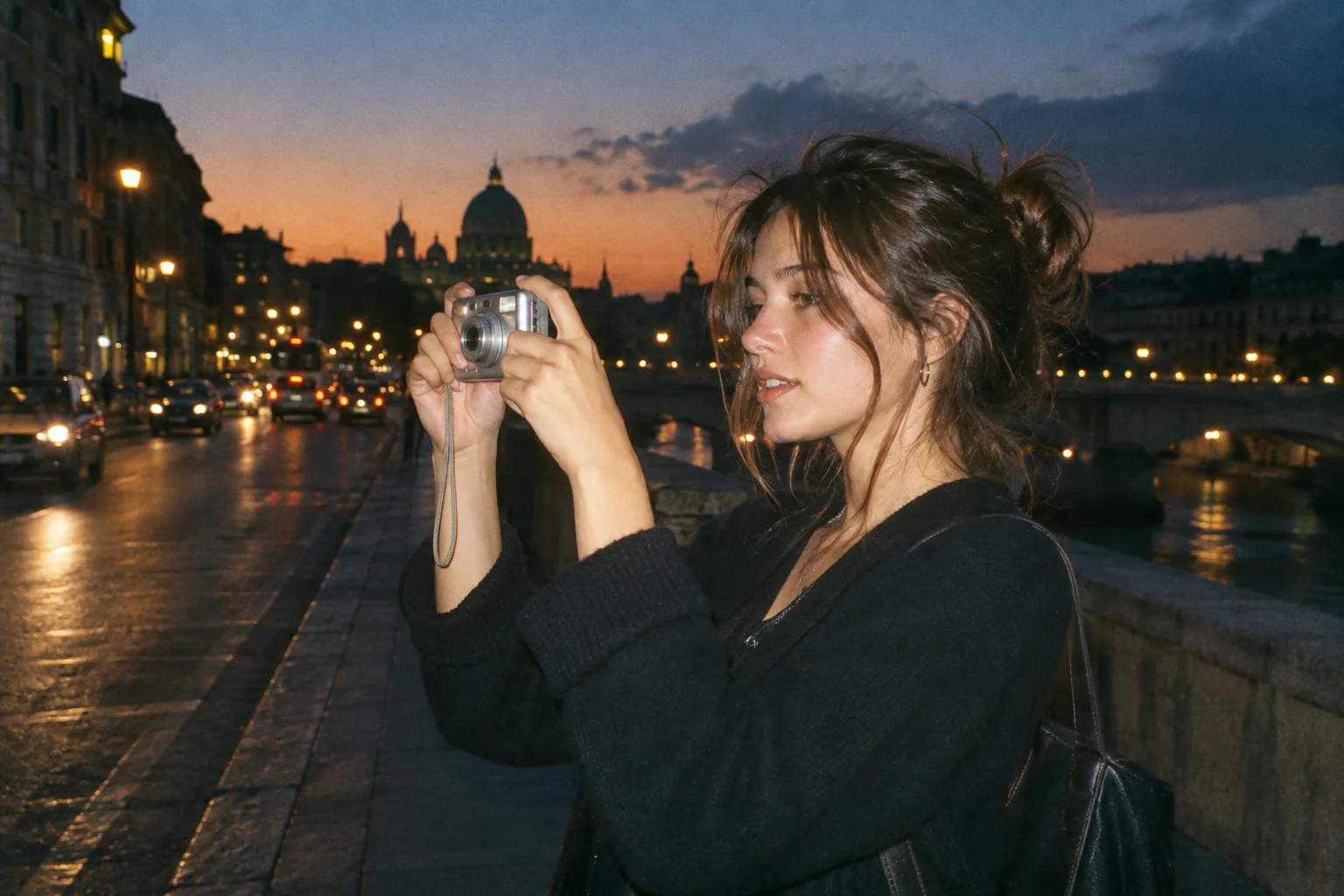
Upload a photo, pick a camera mood and export a new version in your browser.
This export is processed in your browser. No image is sent to the server. The original file is not changed.
Warm matte instant-camera tones. Warm portraits and creative still life.
Change effect intensity, grain and vignette independently; compare with the original before saving.
Keep Original or choose 1:1, 4:5 or 9:16. Add an LCD or Instant frame when it suits the photo.
Enter your own text and turn the stamp on or off. The stamp is decorative, not evidence of when a photo was taken.
Import a JPG, PNG or WebP, then download a JPG or PNG. Inspect the saved file before sharing.
No registration is required. Optional server export uploads the image and can differ from the browser preview.
Polaroid-Style Effect offers a warm, restrained instant-photo color direction. Its lower-contrast palette can suit portraits, flowers and small still life. It is an independent stylistic effect and is not an official Polaroid product or a calibrated reproduction of a particular instant film.
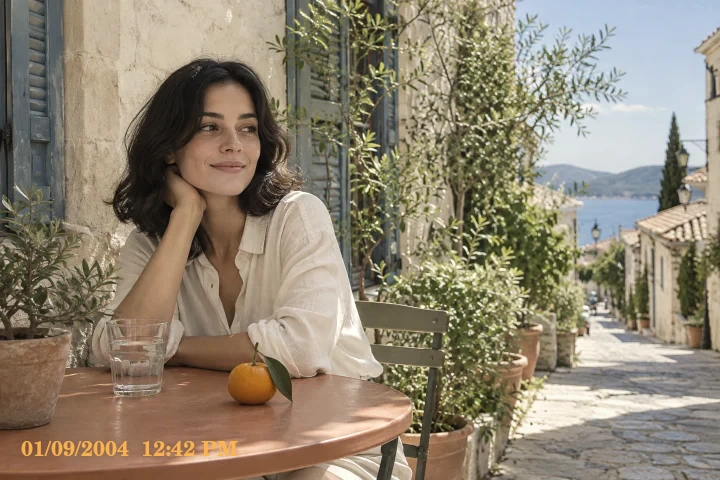
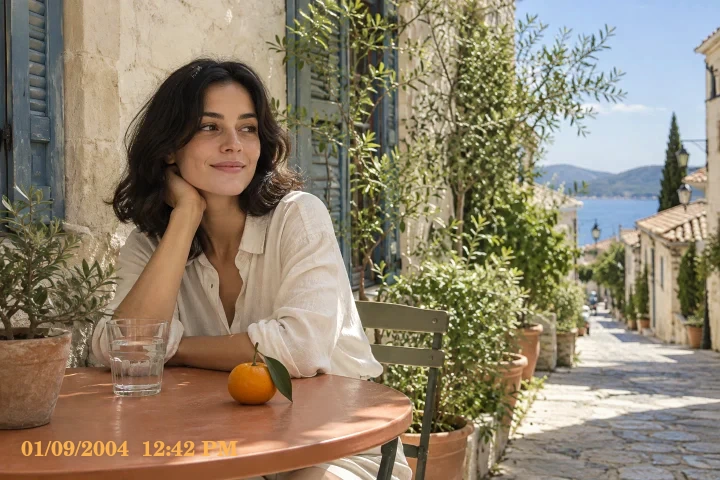
 Original
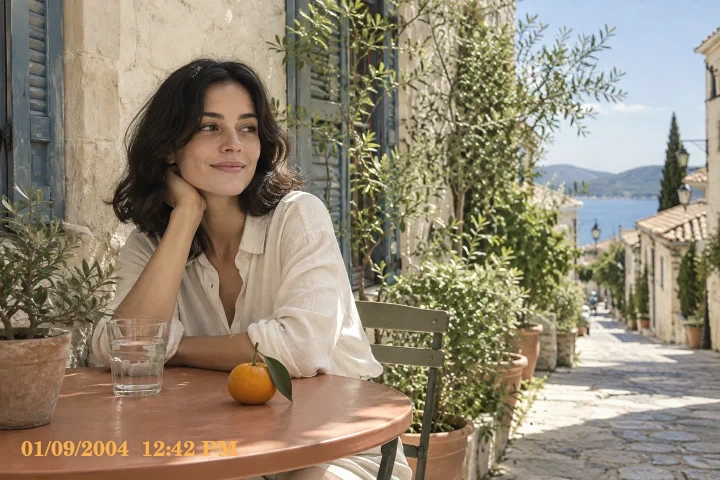 Polaroid example
First compare color without a frame. Warm indoor photographs may need less intensity than a cool daylight source. If you choose the Instant border afterward, inspect objects near the bottom and sides: a graphic border can cover image content even when you leave the output ratio on Original.
Try a small vase beside a window. Use a modest Polaroid-style intensity, select the optional Instant frame and check that the vase base stays visible.
The browser preset changes tone and color; it does not reproduce film chemistry, optical focus changes or physical print texture.
Follow these steps with your own photo. The illustrations show the controls schematically; the rendered examples use this tool’s preset.
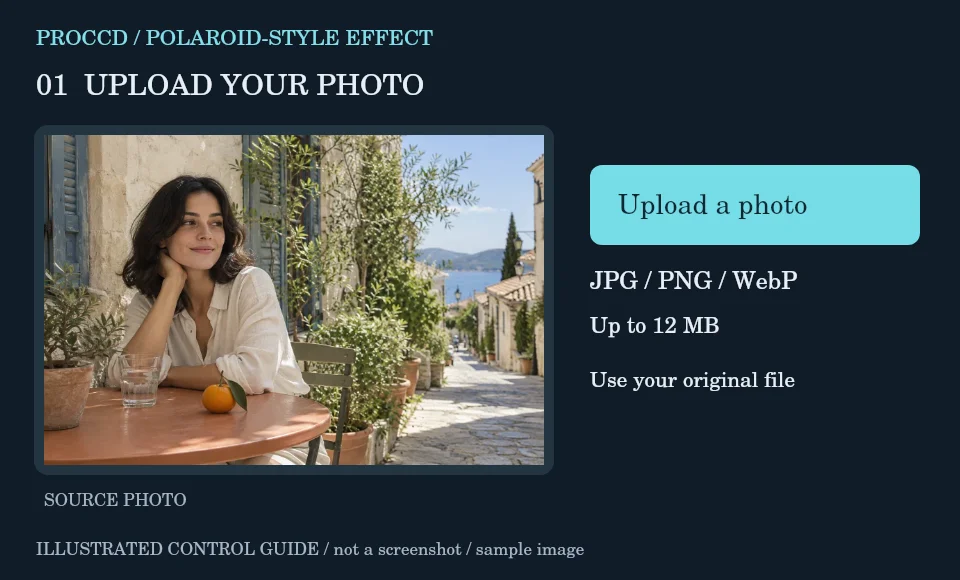
Choose a portrait or still life with clear subject separation and upload the unfiltered image.
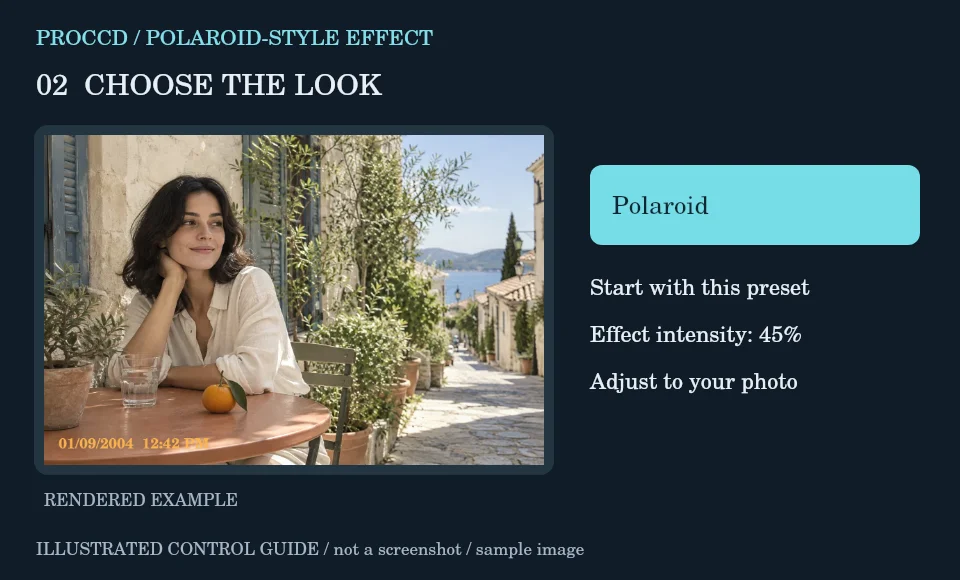
Keep the Polaroid-style preset and adjust intensity while checking skin, flowers or other warm-colored objects.
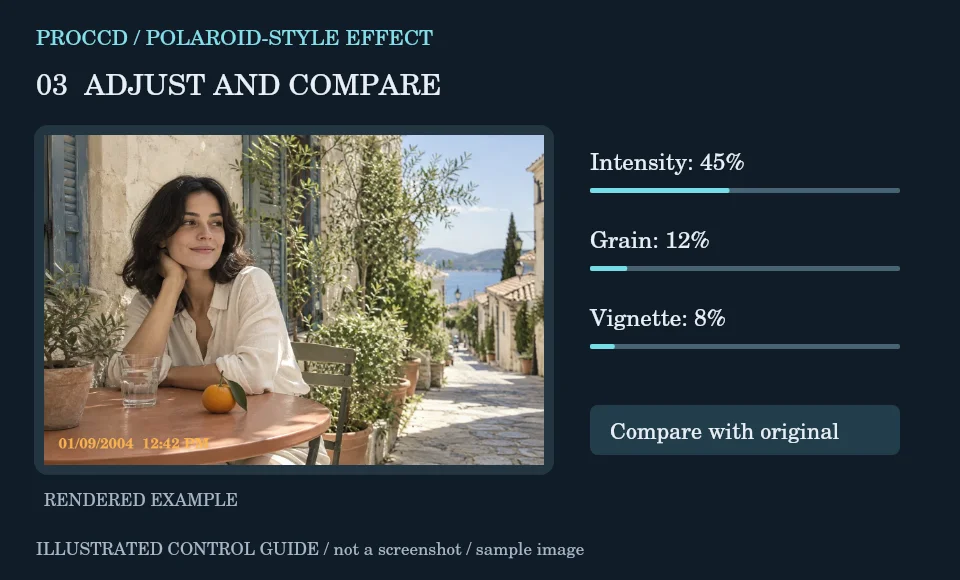
Try the optional Instant frame and date stamp. Remove either layer if it covers an important part of the photograph.
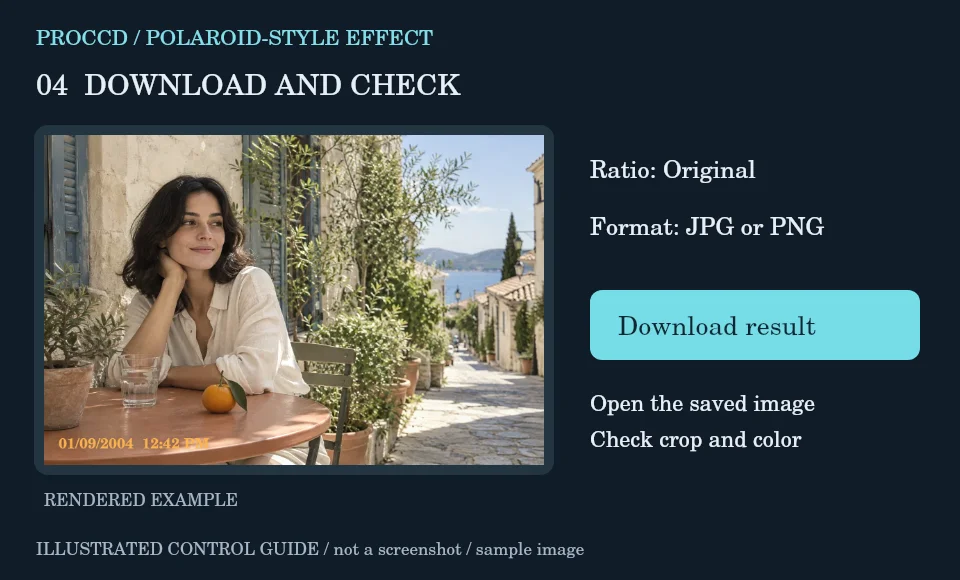
Check the centered crop and choose JPG or PNG. Open the download to judge the warm finish and frame together.
Explore a related finish, then return to this editor to compare your choice.
No. It is an independent creative effect inspired by instant photography aesthetics.
The browser preset is a color and contrast treatment. It should not be described as a physical lens or focus simulation.
The tool-page editor accepts JPG, PNG and WebP up to 12 MB, with a maximum side of 8000 pixels and a 25 MP limit. Opt-in server processing has a 12 MP client limit and also depends on the server configuration.
The default export is processed in your browser. Selecting Use server processing for this export uploads your image when you download. The server uses a different renderer, so its result may differ from the browser preview.